
Quick answer: Payment processing solutions help a business accept payments and receive funds. The best setup depends on where customers pay, which methods they use, and which tools the business needs.
Follow the Payment Path
Every electronic payment follows a simple path:
1.First, the customer pays: The customer uses a card, mobile wallet, bank method, or another accepted option.
2.Next, the terminal or gateway sends the details: A device or online checkout sends the payment details securely.
3.Then, the processor checks the payment: The processor contacts the payment network and the customer’s financial institution.
4.After that, the bank approves or declines it: The customer’s payment source returns a response.
5.Finally, the business receives the funds: The provider sends approved funds to the business account under its funding terms.
For more detail about this process, read Local POS Broker’s integrated small-business payment solutions guide.
Choose the Right Payment Type
Countertop and POS payments
Retail stores, restaurants, cafés, salons, and offices often use a terminal with a POS system. The POS system can manage orders, products, inventory, and reports. Meanwhile, the terminal handles the customer’s payment.
Online payments
Online stores need a secure checkout that works well on computers and phones. Therefore, ask whether the provider supports digital wallets, refunds, recurring payments, and the platform that runs your website.
Mobile payments
Food trucks, contractors, delivery teams, market vendors, and event sellers may need portable equipment. In addition, mobile tools let staff accept payments where the customer receives the product or service. Learn more in Local POS Broker’s mobile credit card reader processing guide.
Contactless payments
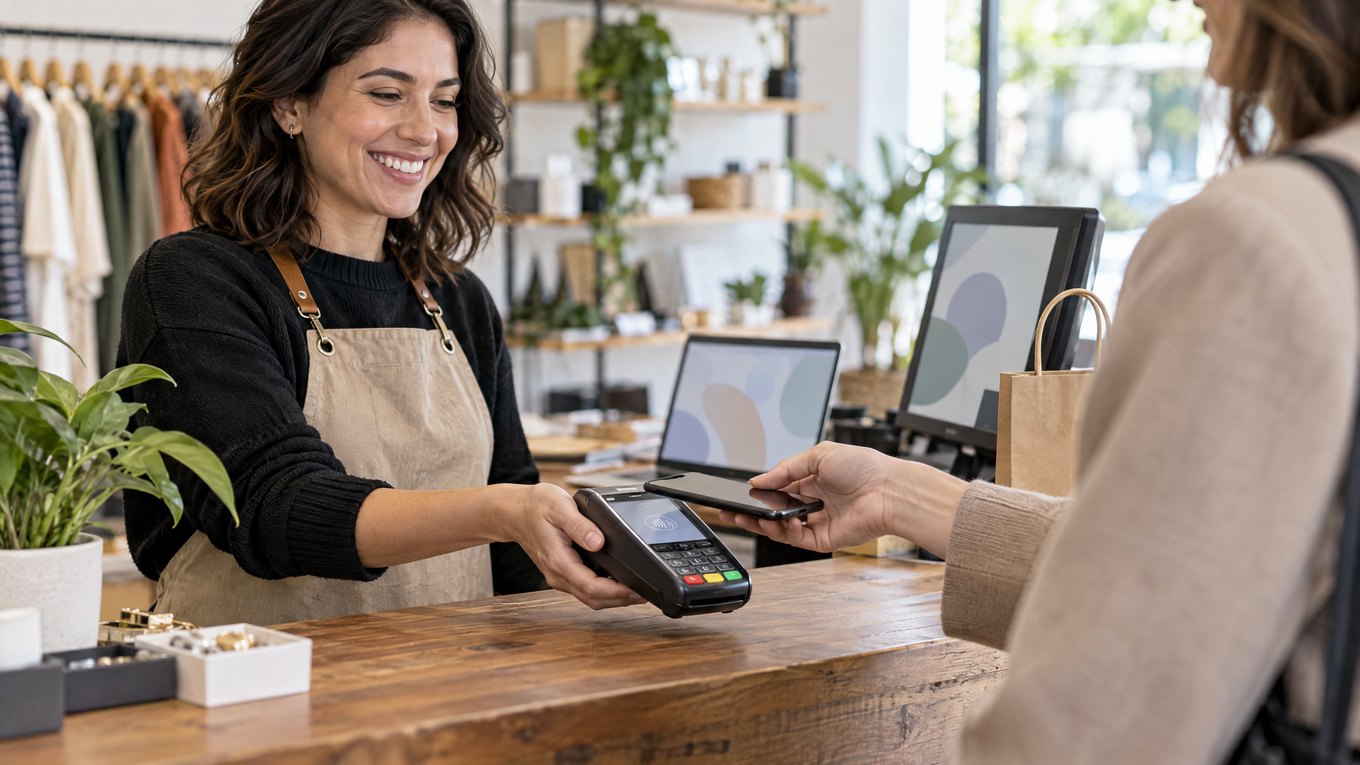
NFC cards and mobile wallets give customers a quick way to pay. As a result, customers can tap instead of inserting or swiping a card. However, confirm which contactless methods your account supports.

Compare These Six Areas
•Payment methods: Check for cards, EMV, contactless, mobile wallets, online payments, and bank methods.
•Integration: Confirm that the system connects with your POS, accounting, inventory, website, gateway, and reports.
•Security: Look for EMV, tokenization, encryption, PCI help, fraud tools, and secure user access.
•Reliability: Ask about equipment quality, network needs, uptime, and replacement steps.
•Support: Confirm access to technical help, account support, chargeback help, and escalation contacts.
•Growth: Make sure the system can support more staff, locations, sales channels, and transactions.
A connected setup can reduce duplicate entry and improve reconciliation. However, confirm compatibility before you sign an agreement.
Review the Full Cost
Do not compare providers by the transaction rate alone. Instead, ask about:
1.Processing and per-transaction fees
2.Monthly, annual, gateway, batch, and statement charges
3.Hardware, installation, software, and support costs
4.PCI, chargeback, refund, and cancellation fees
5.Funding time, reserves, holds, and contract terms
Also, use your own sales data when you compare quotes. Local POS Broker’s guide to saving money on payment processing fees explains how to review the effective rate.
Match the Solution to the Business
•Retail: Choose POS, inventory, receipts, and sales reports.
•Restaurants: Look for fast checkout, tips, tableside payments, and several stations.
•Professional services: Consider invoices, recurring billing, online payments, and in-person collection.
•E-commerce: Check for a secure gateway, mobile checkout, refunds, and digital wallets.
•Small businesses: Prioritize simple setup, clear fees, dependable equipment, and helpful support.
Ask These Questions Before You Sign
1.Which payment methods and sales channels do you support?
2.Does the system connect with my current POS, website, and accounting tools?
3.What will I pay each month at my expected sales volume?
4.How do you handle chargebacks, refunds, holds, and funding delays?
5.Who will help me when equipment or processing stops working?
6.Can the system grow without forcing me to replace everything?
Final Takeaway
A good payment processing solution helps customers pay with less effort. At the same time, it helps the business track sales and manage daily work. Therefore, compare payment methods, technology, security, support, integration, and total cost together. Do not choose a provider based on one advertised rate.
Businesses that need more merchant-services options can also explore The Direct Processors’ payment services, including recurring billing, invoicing, electronic checking, and gateway integration. Review the available services and terms before you choose a provider.
17 Replies to “Payment Processing Solutions: A Complete Guide for Modern Businesses”
Comments are closed.