
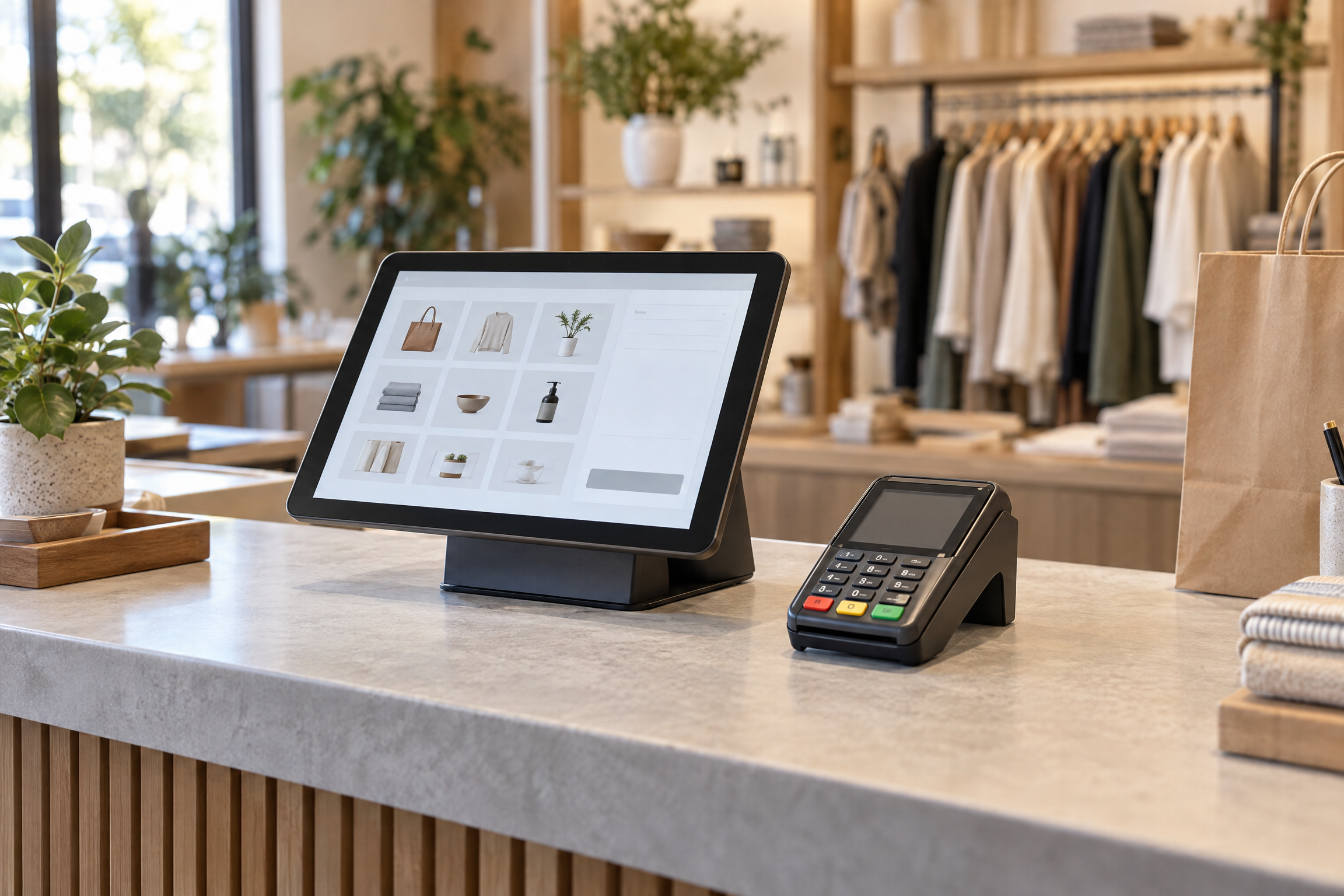
A common POS myth is that a point-of-sale system is just a card terminal with a screen. In reality, the terminal is only one part of checkout. Choosing equipment before mapping the business’s workflow can leave owners without useful tools—or make them pay for features they do not need.
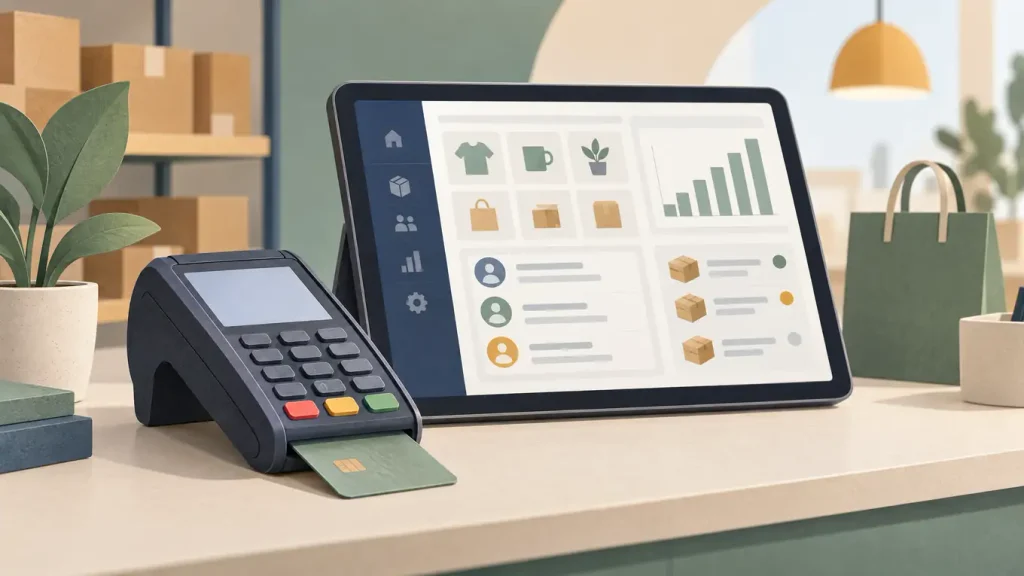
What each part does
- Payment terminal: Reads a chip, tap, or swipe and sends the payment request.
- POS system: Records the sale and, depending on its software, may also manage products, inventory, reports, employees, or customer information.
- Processor and merchant services: Support payment authorization, settlement, hardware, gateways, and related services. Exact roles and contract terms vary by provider.
Some products combine a terminal and POS features in one device. Still, a combined design does not guarantee that it includes every workflow or integration a business needs.
When is a terminal enough?
A standalone terminal may suit a small or seasonal business that mainly needs to accept in-person payments and has simple products, limited staff, and little need for inventory or detailed reporting. For example, a pop-up may prefer a simple setup over a larger platform.
A fuller POS can make more sense when a business needs to track stock, review sales by product or location, manage staff access, record customer activity, or connect in-store and online sales. Those functions can reduce manual work—but only if the team will use them.
For more signs that your current setup may limit expansion, see this guide to how a POS system can hold back business growth. Likewise, POS data beyond daily sales shows how a system can support decisions beyond simply taking payments. And because checkout depends on working equipment and connectivity, review this peak-hour POS outage response guide.
Three checks before you choose
- List what you must track. Decide whether you need only payment acceptance or also inventory, staff, customer, reporting, or ecommerce tools.
- Test real tasks. Ask the provider to demonstrate a sale, refund, discount, end-of-day report, and any integration you rely on.
- Compare total cost and support. Include equipment, processing, software, setup, service, renewal, cancellation, and replacement terms. Also confirm who handles support when something fails.
In addition to POS hardware, The Direct Processors lists other payment services, including gateway integration, recurring billing, invoicing, electronic checking, and QuickBooks support. Check directly with any provider for current availability and terms.
The right answer is not always a bigger POS. Start with the tasks your business needs to handle, then choose the simplest setup that does them reliably.
4 Replies to “The Biggest POS Myth Business Owners Still Believe”