

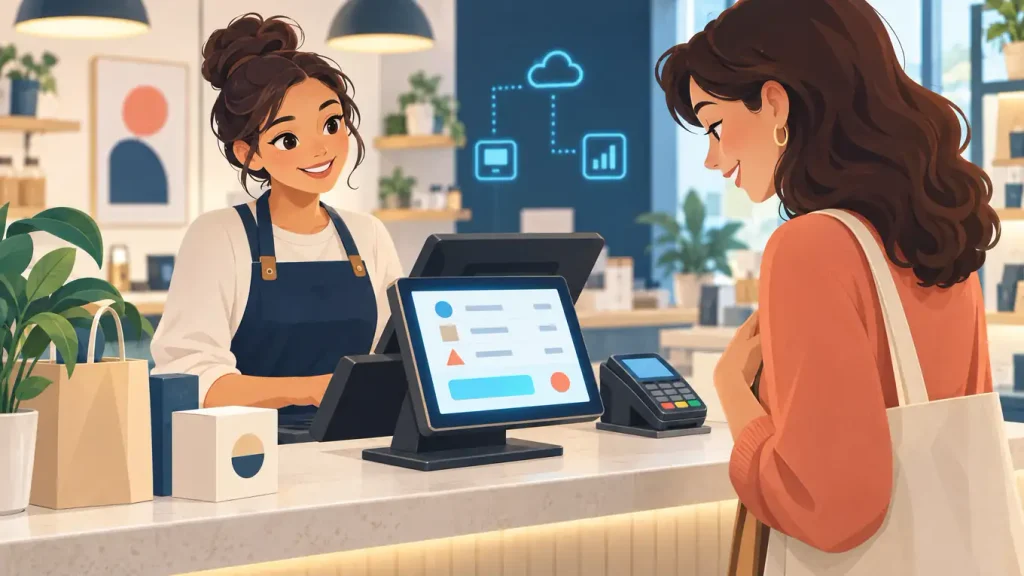
A customer-facing POS display lets customers review their order and total before paying. Because shoppers can see the same transaction details as staff, they may catch an incorrect item or missing discount before checkout ends. The key benefit is clearer communication, not another sales prompt.
What the screen can show
Depending on the system, customers may see item names and quantities, modifiers, prices, discounts, taxes, the total, payment instructions, and receipt choices. The display might be a second counter screen or a view built into a payment terminal. However, it does not automatically turn a regular checkout into self-service; confirm exactly how the hardware and software work together.
Make transparency the priority
Restaurants can show modifiers and special requests; retailers can make discounts and prices easier to verify. Meanwhile, a shared view gives both people at the counter a clear reference during payment. Optional tips, loyalty sign-ups, and add-ons should remain easy to skip so they do not distract from checking the order.
If you are comparing equipment, the POS and merchant-services provider questions guide offers a practical checklist. For a broader system change, see the Florida POS replacement guide. And when payment tools or integrations must grow with your business, review this guide to merchant services for growing businesses.
Three checks before you choose
- Confirm compatibility. Ask which POS plan, terminal, software, and integrations support the display.
- Test real transactions. Run an order with a modifier, a discount, a refund, and a receipt. Make sure the customer screen and staff system show matching results.
- Keep it simple. Check visibility and readability, then make optional prompts clear and easy to decline.
Beyond displays, The Direct Processors’ services section lists merchant-service options such as POS, gateway integration, recurring billing, invoicing, electronic checking, and QuickBooks support. Confirm current availability and terms directly with any provider.
Watch a few real checkouts before and after setup. If customers can verify the order and finish without added confusion or delay, the screen is doing its job.