
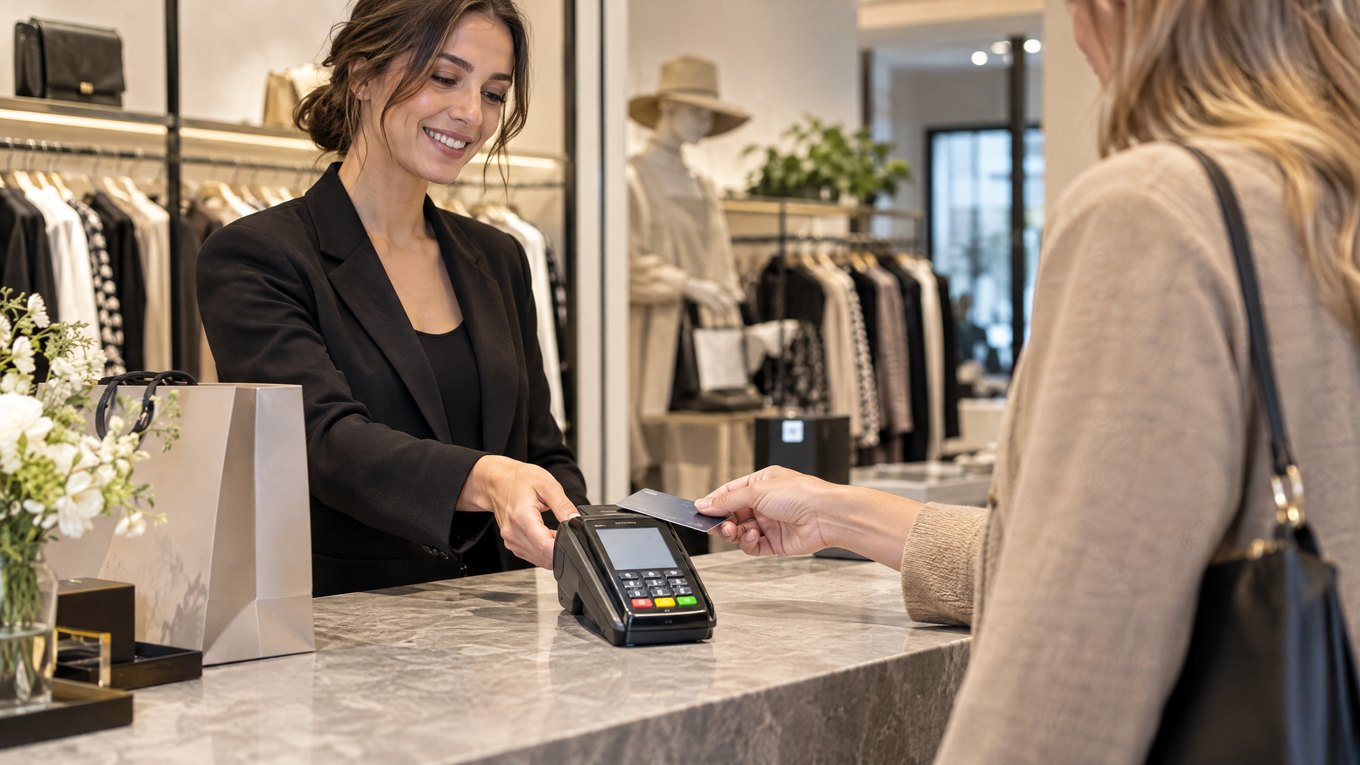
Quick overview: The Ingenico Desk/5000 is a fixed countertop payment terminal for businesses that need card, contactless, PIN, receipt, and connectivity functions in one device.
Specification Snapshot
•Screen: 3.5-inch backlit color touchscreen
•Display resolution: 480 × 320 HVGA pixels
•Keypad: 16-key backlit keypad with raised markings
•Payment support: EMV chip, contactless, and magnetic-stripe payments when enabled
•Receipt printer: Built-in thermal printer using a 58 mm paper roll
•Connectivity: Configuration may include Ethernet, Wi-Fi, Bluetooth, or cellular service
•Device type: Countertop payment terminal, not a complete business-management POS
Exact features can vary by model configuration, payment application, processor, and market.
What the Terminal Does
Handles customer payments
Customers can insert a chip card, tap a supported card or mobile wallet, or swipe when that method is enabled. The touchscreen displays payment prompts while the physical keypad provides a familiar way to enter a PIN.
A payment terminal is only one part of the transaction chain. For an overview of how terminals, processors, banks, and authorization work together, read Local POS Broker’s payment processing solutions guide.
Prints receipts
The built-in thermal printer can produce paper receipts without requiring a separate basic receipt printer. Published specifications list a 58 mm paper roll and printing speeds of up to 20 lines per second.
Connects with checkout equipment
The Desk/5000 can work with compatible POS equipment and payment applications. A business may use the terminal for payment while its main POS handles products, orders, inventory, or reporting.
That distinction matters: integrated systems can reduce duplicate entry by connecting payment activity with broader business records. Local POS Broker explains this approach in its integrated small-business payment solutions guide.
Best-Fit Environments
The Desk/5000 may suit businesses that take most payments at a fixed location, such as:
•Retail checkout counters
•Hospitality and food-service counters
•Reception desks
•Service-business offices
•Other permanent payment stations
Businesses that need field payments should compare it with a portable terminal or mobile reader.
Benefits and Limits
Potential benefits
•Dedicated customer-facing payment device
•Chip, tap, and swipe options when supported
•Built-in receipt printing
•Physical PIN keypad
•Multiple possible connectivity methods
•Compact countertop footprint
Important limits
•It does not provide full inventory or employee management by itself.
•Connectivity options depend on the selected configuration.
•POS integration requires compatible software and payment services.
•Processing fees and contract terms can matter more than the hardware price.
Buyer Checklist
Before choosing the Desk/5000, confirm:
1.Which processor and payment application support the exact model
2.Which card and contactless methods are enabled
3.Whether the terminal integrates with the existing POS
4.Which network connection is available at the checkout location
5.Paper-roll, replacement, repair, and support procedures
6.Hardware, software, processing, monthly, and contract costs
For a practical way to compare payment charges, review Local POS Broker’s guide to saving money on payment processing fees.
Final Assessment
The Ingenico Desk/5000 can be a strong countertop payment component when a business wants dedicated payment acceptance, receipt printing, PIN entry, and flexible connectivity. It should be evaluated as part of the complete processor and POS setup rather than as a standalone business system.
Businesses comparing broader merchant-services options can also review The Direct Processors’ payment services, including recurring billing, invoicing, electronic checking, and gateway integration. Review the available services and terms before selecting a provider.