
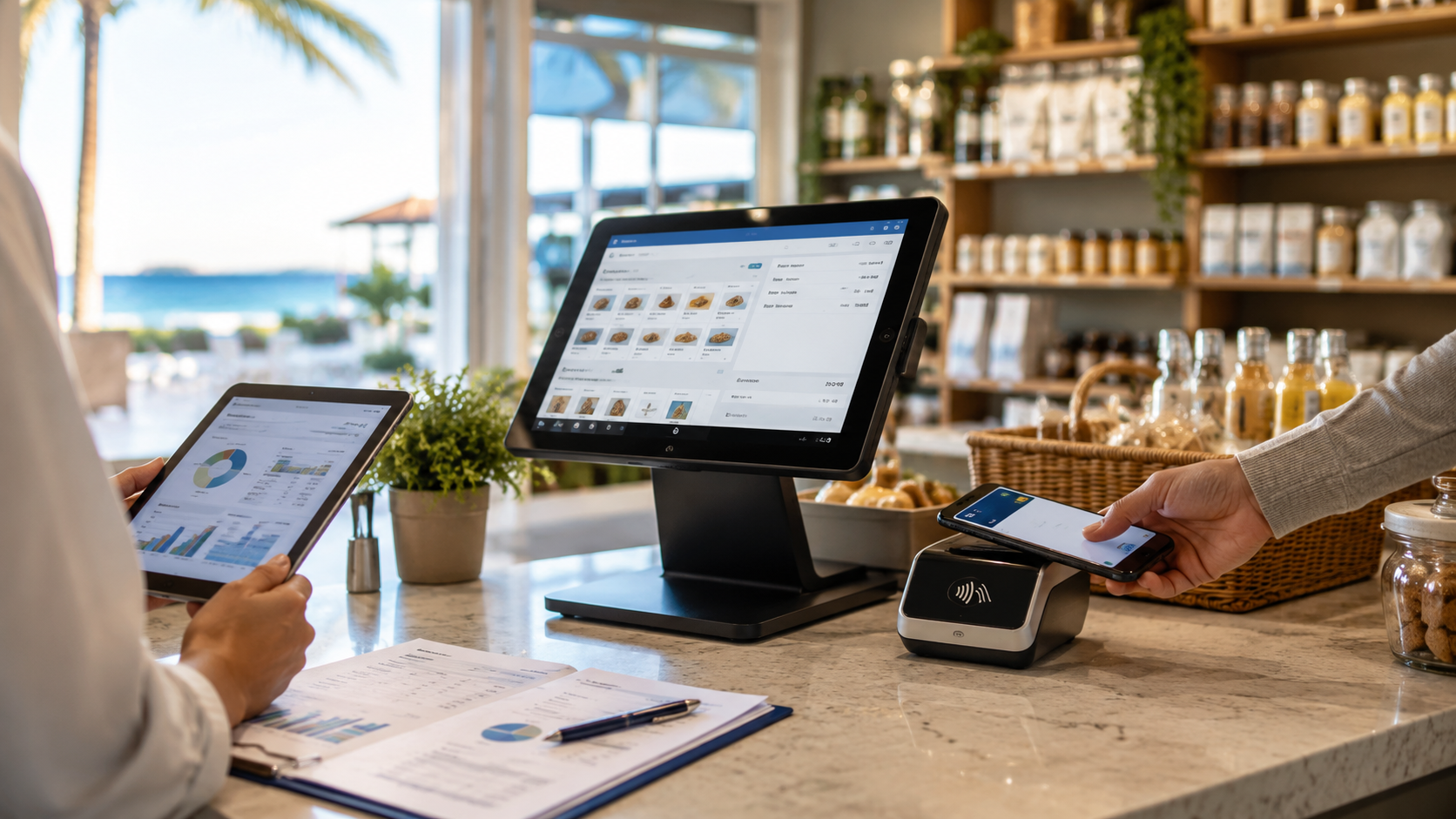
Next-gen POS systems connect checkout with payments, inventory, staff tools, reporting, and customer data. Florida businesses upgrade when those connections can save time and support better growth decisions.
The Growth Loop
A modern POS should help a business move through four connected steps:
1.Sell: Staff accept cards, contactless payments, mobile wallets, and other needed methods.
2.Record: The system saves the sale, receipt, product, employee, and payment details.
3.Learn: Owners review reports, inventory movement, busy periods, and sales trends.
4.Improve: The business adjusts products, staffing, checkout flow, or marketing.
Local POS Broker’s payment processing solutions guide explains how payment terminals, processors, authorization, and settlement fit into this cycle.

Why Older Setups Create Friction
A basic register may process a sale, but separate tools can force staff to enter the same information more than once. That can create gaps between payments, inventory, reports, and accounting.
A next-gen POS can help businesses reduce that friction by connecting:
•Payment terminals and digital wallets
•Product catalogs and inventory
•Employee access and time records
•Digital and printed receipts
•Customer information and loyalty tools
•Sales reports and deposit records
•Online, in-store, and mobile sales
The goal is not to buy every feature. Instead, choose the connections that solve the business’s real problems.
Choose the Right Hardware Layer
Hardware should match the way customers pay. A store may need a fast countertop terminal, a contactless reader, a receipt printer, or a second station for busy periods. A mobile team may need a compact wireless reader instead.
Restaurants may also need tableside devices, kitchen connections, tips, and split-payment tools. Local POS Broker’s mobile credit card reader processing guide explains how portable payment tools support pop-ups, field teams, and service businesses.

Turn Data Into Decisions
A connected POS can make daily information easier to review. Owners may use it to ask:
•Which products sell fastest?
•When do lines or order delays appear?
•Which items need restocking?
•How much revenue comes from each channel?
•Which employees need access to specific tools?
•Do sales reports match deposits and accounting records?
These reports do not replace good judgment. They give owners a clearer starting point for staffing, purchasing, and planning.
Protect the Checkout
Next-gen technology should also support safer transactions. Ask whether the setup supports:
•EMV chip and contactless payments
•Tokenization and encryption
•Secure employee access
•PCI-related tasks
•Fraud and chargeback workflows
•Software and terminal updates
•Recovery steps when the network fails
Train staff to protect passwords, verify refunds, and report unusual activity. A modern device helps, but daily procedures matter too.
Connect the Business Tools
A POS upgrade becomes more useful when it connects with inventory, accounting, online ordering, or customer tools. Local POS Broker’s integrated small-business payment solutions guide explains how connected systems can reduce repeated entry and improve record accuracy.
Before buying, check compatibility. A new POS should not create a new data silo or make it difficult to export business records.
Use the Upgrade Checklist
1.List the current checkout delays and manual tasks.
2.Identify the payment methods and sales channels customers use.
3.Separate essential features from optional extras.
4.Test the POS with inventory, accounting, and existing hardware.
5.Review security, support, training, and replacement procedures.
6.Compare hardware, software, processing, and contract costs together.
7.Plan how the system will support more staff, products, or locations.
Final Takeaway
Upgrading to a next-gen POS system can help a Florida business connect checkout with the work that happens after every sale. The strongest upgrade is not the one with the longest feature list. It is the one that reduces friction, protects payments, improves visibility, and gives the business room to grow.
Businesses comparing broader merchant-services options can also explore The Direct Processors’ payment services, including recurring billing, invoicing, electronic checking, and gateway integration. Review the available services and terms before choosing a provider.