
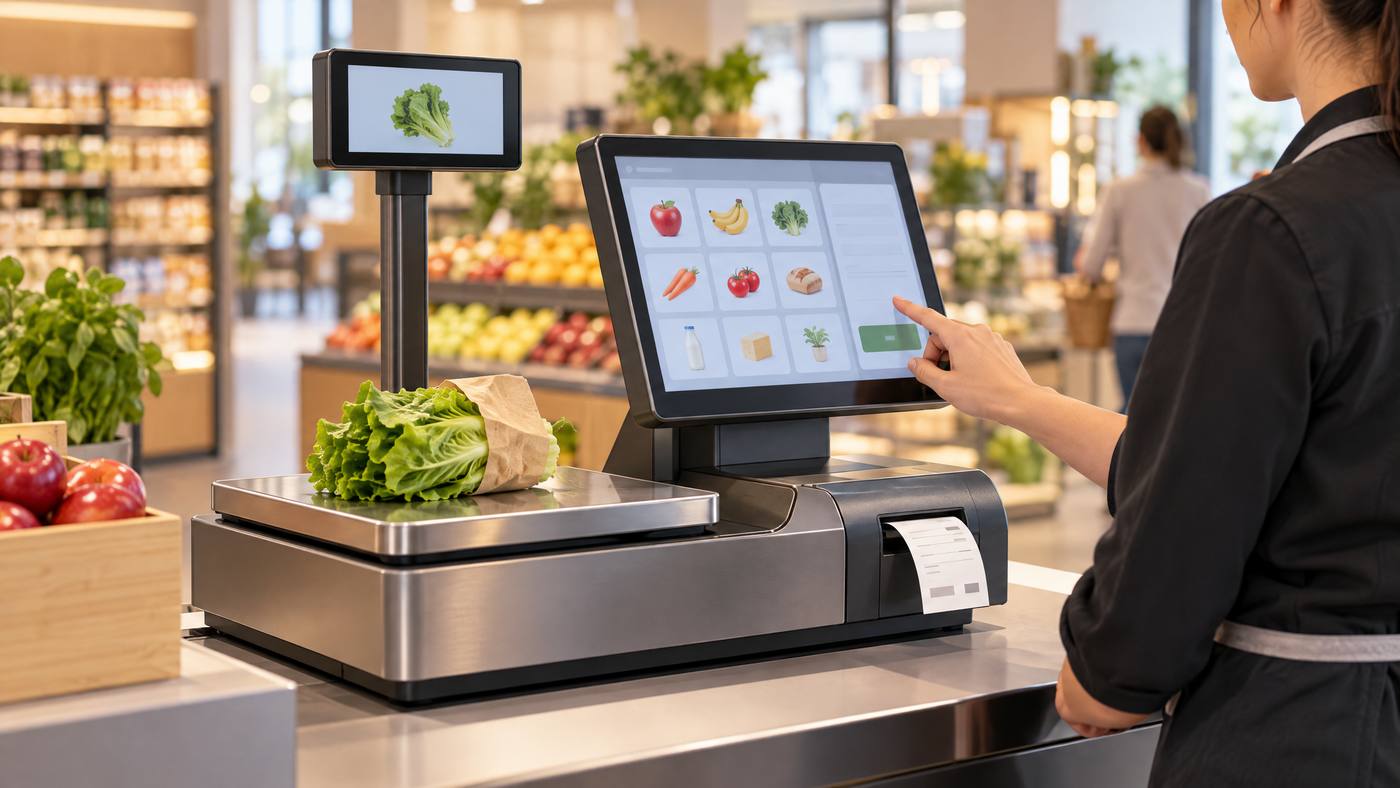
A standard checkout may use a separate scale, POS terminal, and receipt printer. The SUNMI S2 brings these jobs into one station. It combines a weighing platform, touchscreen POS, and thermal receipt printer.
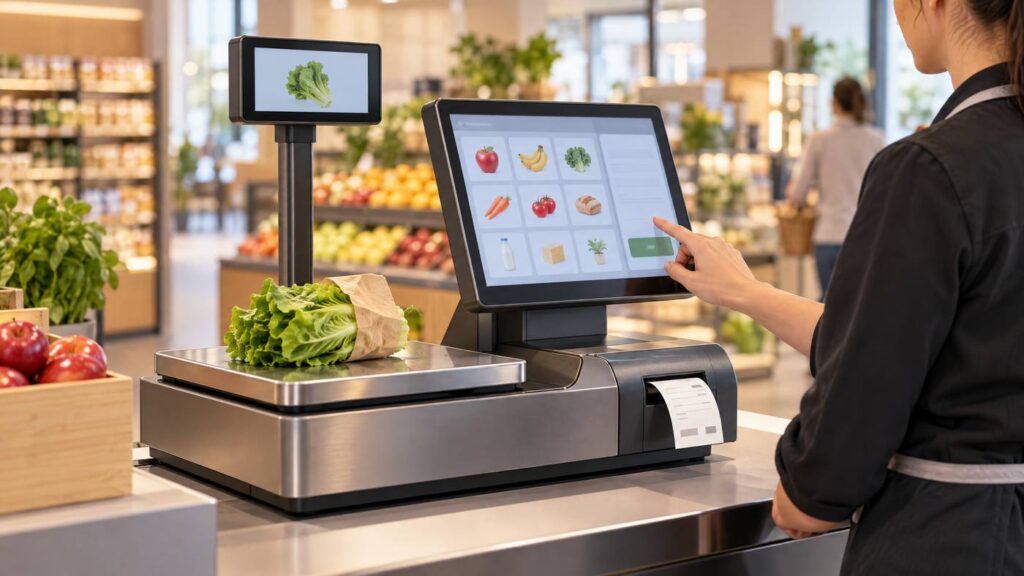
How one transaction moves through the S2
- Weigh the product. Place a variable-weight item on the built-in platform. The available capacity depends on the configuration.
- Connect weight to the sale. The POS app links the measurement to the product and its price. The exact steps depend on the software.
- Complete checkout. Staff use the touchscreen. A customer-facing display may be available, depending on the model.
- Print the receipt. The integrated 80 mm thermal printer produces the receipt. The automatic cutter separates it.

What integration may change
- Fewer separate devices may free counter space.
- Staff can weigh and ring up an item at the same station.
- Some configurations support customer display or self-service features.
Before choosing a unit, check its weighing range, counter footprint, POS software, network needs, and peripheral support. Also confirm which display and printer options come with the exact configuration.
For a dedicated weighing-and-labeling setup, read Local POS Broker’s CAS LP-1000 scale guide. For a separate receipt-printer example, see its Epson TM-T88VII POS receipt-printer guide.
Compare wider merchant services
Hardware is one part of a checkout setup. The Direct Processors’ services page describes a range of merchant services, including recurring billing, invoicing, gateway integration, and POS solutions. Check current availability and terms with the provider.
Bottom line: The S2 brings weighing, checkout, and printing together. Confirm the exact hardware and software fit before installation.