
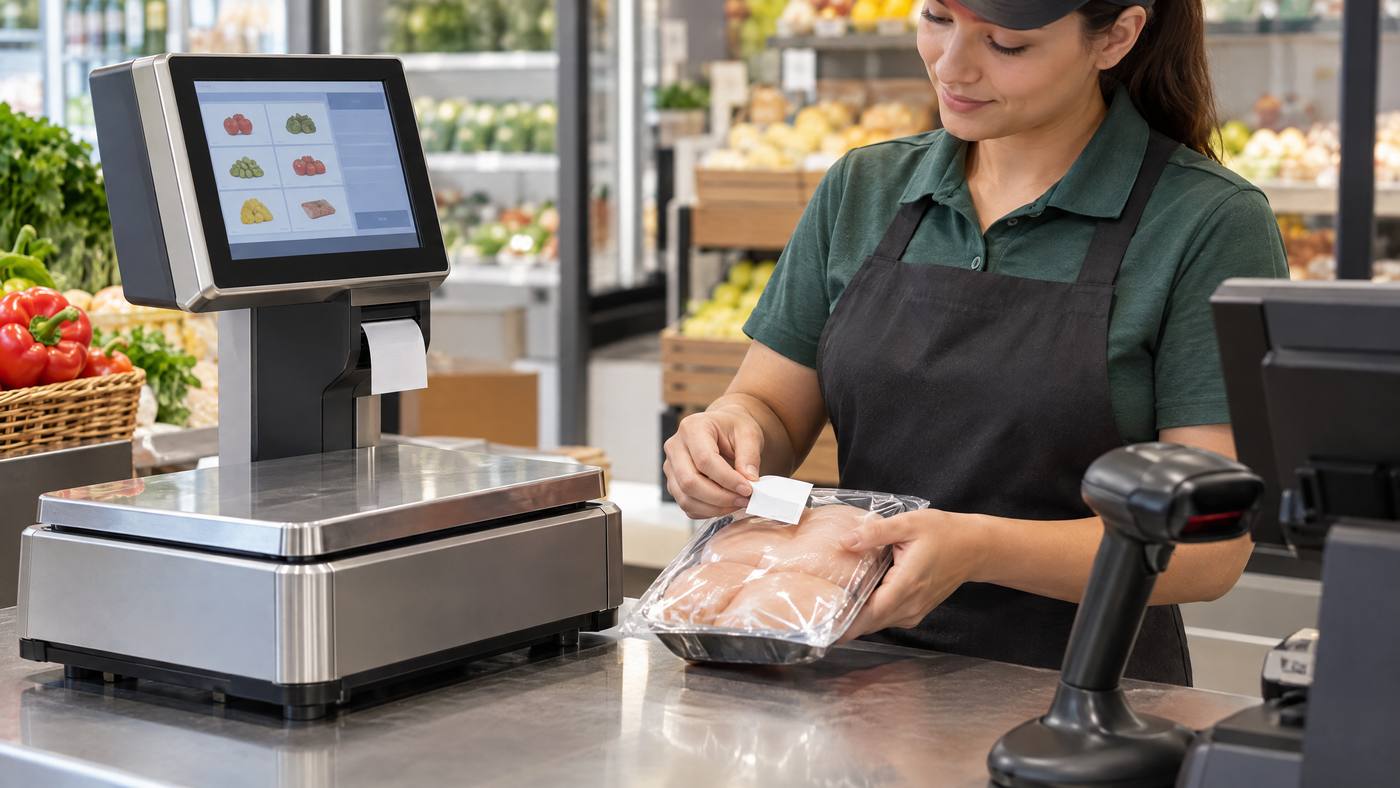
A printed price label is the last step in a short workflow. First, the operator selects the product. Then the scale uses its saved details, measures the weight, works out the price, and prepares the label.
The CAS LP-1000N combines a weighing scale and thermal label printer. It can store up to 4,000 PLUs and offers 30 standard label formats. Confirm the exact specifications for the model you plan to buy.

Four steps happen before the label prints
- Select the product. The operator chooses its PLU, or Price Look-Up record. This can hold the product name, unit price, tare, and other details.
- Weigh the item. The scale measures the product. If it is in a container, the tare setting can subtract the container’s weight.
- Calculate the price. The scale uses the net weight and stored unit price. For example, 2 lb at $5 per pound equals $10.
- Prepare the label. The chosen format can show the name, weight, unit price, total, dates, and other programmed details.
From label to checkout
Once printed, the label can identify the product, show its price and weight, and carry product details or a barcode. For data transfer, it supports USB and RS-232C connections.
Keep product prices consistent across the scale, labels, and POS. Local POS Broker’s guide to managing POS price changes covers checks that help avoid mismatched prices. For a separate label-printing setup, see its Zebra ZD421 label-printer guide.
Explore the wider merchant-services mix
Retail equipment is one part of payment acceptance. The Direct Processors’ services section describes recurring billing, invoicing, electronic checks, a QuickBooks plug-in, gateway integration, and POS solutions. Confirm current availability and terms with the provider.
The takeaway: The LP-1000 workflow connects product data, weight, unit price, label layout, and printing. Check model specifications and data compatibility before setup.
2 Replies to “CAS LP-1000: What Happens Before a Product Gets Its Price Label?”