
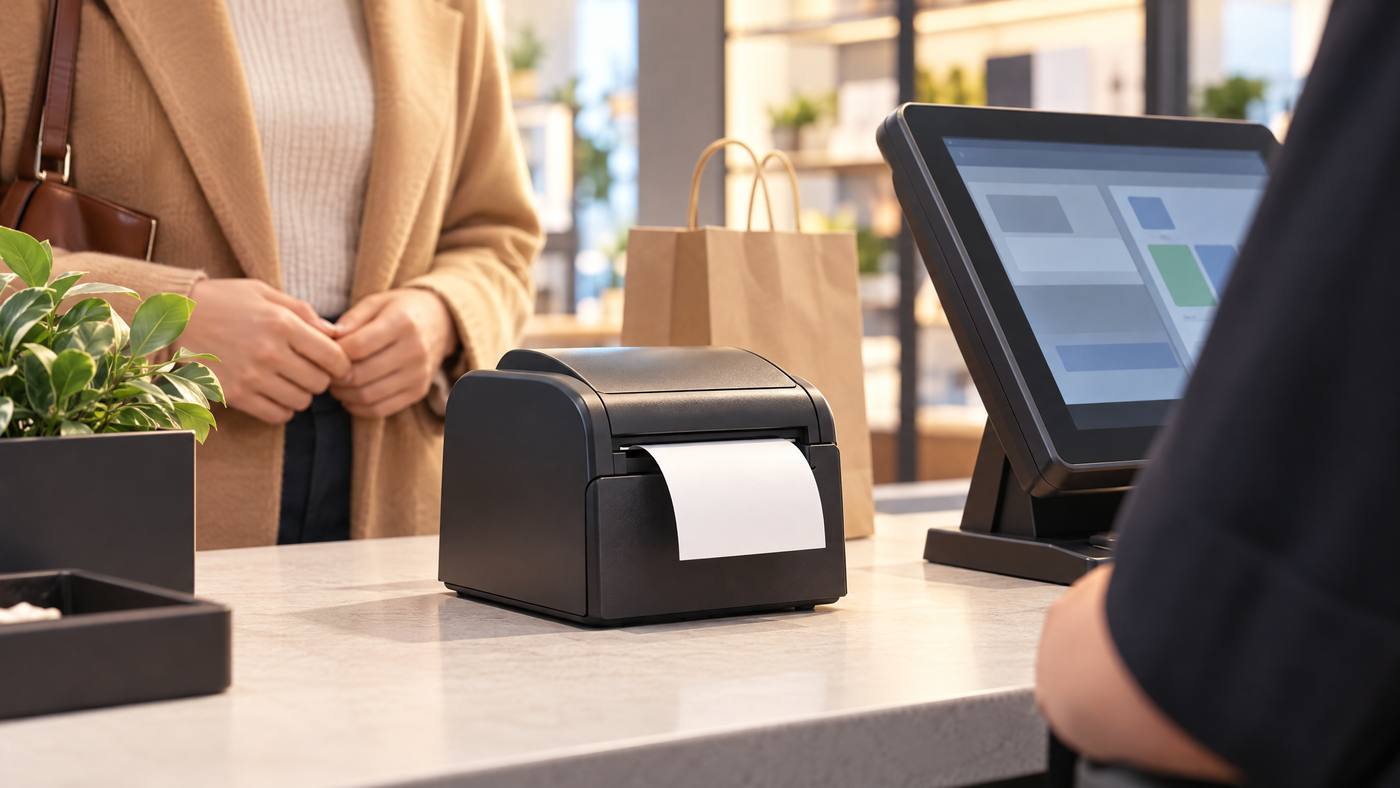
A receipt printer does not create the sale. The POS records the transaction, then sends print instructions to the printer. The Bixolon SRP-Q300 turns those instructions into a paper receipt using direct thermal printing.

The print job in five steps
1.The POS builds the receipt. It gathers items, prices, discounts, taxes, and payment details.
2.The POS sends the job. The connection may use USB or Ethernet. Some configurations offer optional wireless connections.
3.The printer reads the layout. It follows instructions for text, graphics, and supported barcodes.
4.Heat prints the receipt. A thermal print head marks compatible receipt paper, so no ink cartridge is needed.
5.The paper exits. The SRP-Q300 is designed for front paper exit. Its sensors can flag issues such as an open cover or empty paper.
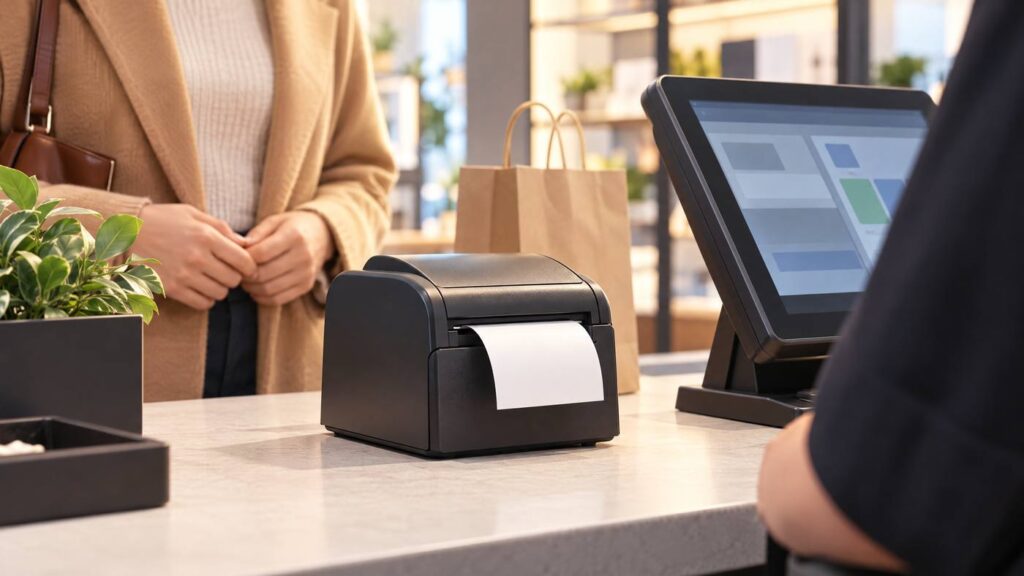
The SRP-Q300 uses 80 mm paper and can support 58 mm paper with the correct partition. The supplied draft lists print speeds up to 220 mm per second. Check the exact model and interface before purchase, since features can vary by configuration. Also confirm that your POS software, operating system, and printer setup work together.
For another thermal receipt-printer example, see Local POS Broker’s Epson TM-T88VII receipt-printing guide. Its Star TSP143IV POS-printer guide also covers connection and checkout fit.
Compare broader merchant services
Receipt printing is one part of a checkout setup. The Direct Processors’ services section describes a wider range of merchant services, including billing, invoicing, gateway integration, and POS solutions. Check current availability and terms with the provider.
In short: The POS prepares the sale details; the SRP-Q300 prints them on thermal paper. Match the printer’s connection and configuration to your POS before setup.