
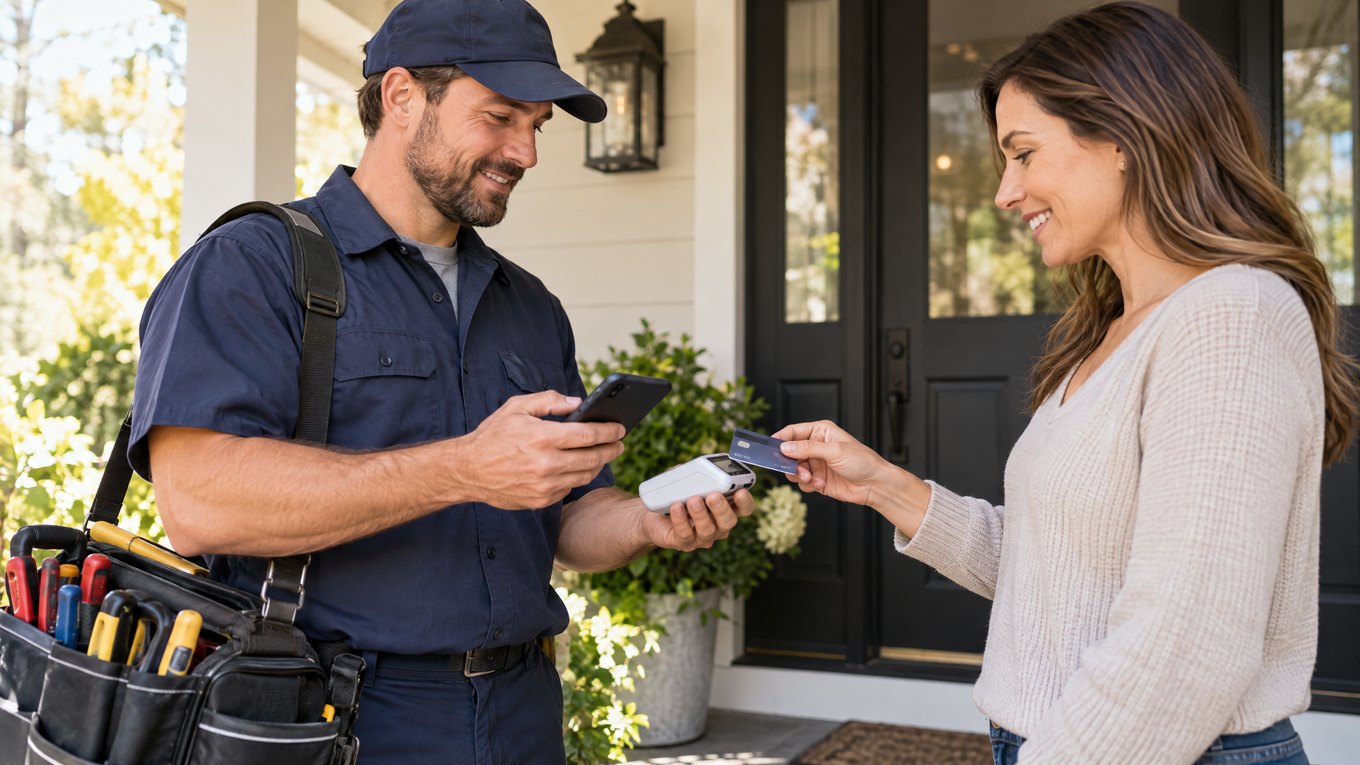

Quick answer: Mobile credit card reader processing lets a business accept card payments with a portable reader, phone, tablet, and payment app. It works well when customers pay away from a fixed counter.
Follow the Mobile Checkout Route
1.Connect the reader: Pair the reader with a phone or tablet through Bluetooth, USB, or another supported connection.
2.Open the payment app: Enter the amount or choose the product or service.
3.Let the customer pay: The customer inserts a chip card, taps a contactless card or wallet, or swipes when the reader supports it.
4.Send the payment: The app sends the transaction through the processor and payment networks.
5.Give a receipt: Send a digital receipt by text or email, or use a compatible printer when needed.
For a wider view of terminals, processors, and settlement, read Local POS Broker’s payment processing solutions guide.
Why Businesses Use Mobile Readers
•More freedom: Staff can accept payments at a job site, market, event, customer location, or pop-up shop.
•Lower equipment needs: A small reader and an existing phone or tablet may cost less than a full countertop system.
•Faster service: Staff can take payment beside the customer instead of sending the customer to a register.
•More payment choices: Many readers support chip cards, contactless cards, and mobile wallets.
•On-site collection: Contractors, repair teams, and consultants can collect payment after completing a service.
Who Can Benefit
•Retailers: Use a reader for pop-ups, events, outdoor sales, or an extra checkout point.
•Restaurants and food trucks: Take payments quickly without a permanent register.
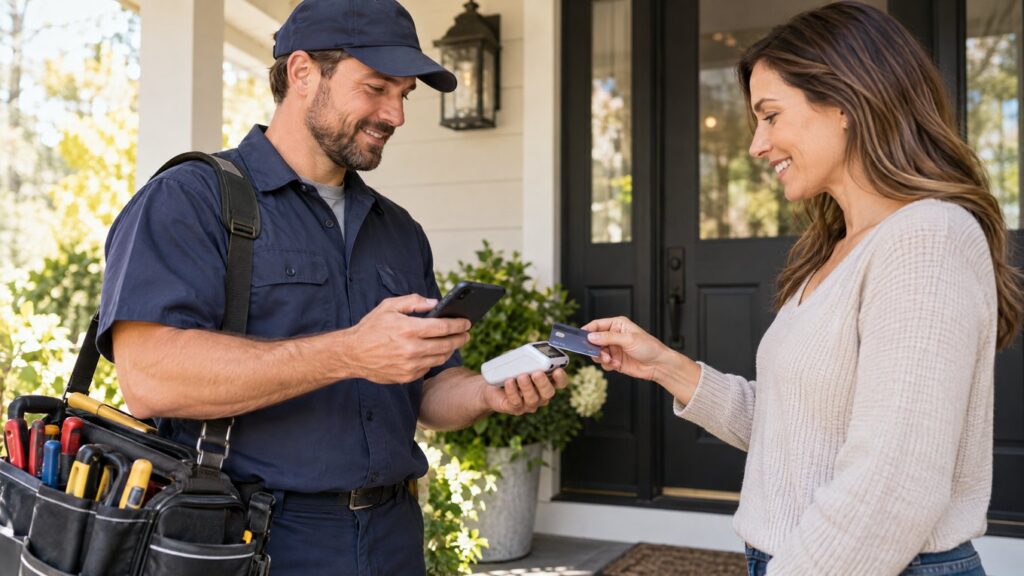
•Contractors and home-service teams: Collect payment at the customer’s location.
•Freelancers: Accept payment after a session, visit, or project.
•Event vendors: Process sales at markets, festivals, and trade shows.
Mobile readers can also work with POS and business apps. Local POS Broker explains connected tools in its integrated small-business payment solutions guide.
Check These Features
•EMV chip card support
•Contactless and mobile-wallet acceptance
•Encryption, tokenization, and PCI support
•Secure user access and fraud tools
•Bluetooth, USB, Wi-Fi, or cellular compatibility
•Digital receipts and sales reports
•Product, inventory, or employee tools when needed
•Clear support and replacement steps
Mobile Reader or Countertop Terminal?
Choose a mobile reader when portability matters most. Choose a countertop terminal when most customers pay at one fixed location. In addition, many businesses use both: a fixed terminal for the main register and a mobile reader for events, delivery, tableside service, or overflow lines.
Review the Full Cost
Before choosing a mobile payment setup, ask about:
1.Transaction and per-payment fees
2.Monthly, software, equipment, and account charges
3.Refund, chargeback, and cancellation fees
4.Phone, tablet, data, and printer requirements
5.Funding time, network needs, and offline rules
6.POS, accounting, inventory, and receipt connections
Also, compare the total cost with real sales data. Local POS Broker’s guide to saving money on payment processing fees explains how to review payment costs.
Before You Choose
1.List every place where customers pay.
2.Write down the payment methods they prefer.
3.Check reader and app compatibility with your devices.
4.Test the connection at the locations where you work.
5.Confirm security, support, receipts, and funding terms.
6.Compare the complete cost, not only the advertised rate.
Final Takeaway
Mobile credit card reader processing gives small businesses a simple way to accept payments beyond the counter. When the reader, app, processor, device, and support plan work together, staff can serve customers faster and collect payment with less friction.
Businesses comparing wider merchant-services options can also exploreThe Direct Processors’ payment services, including recurring billing, invoicing, electronic checking, and gateway integration. Review the available services and terms before choosing a provider.
6 Replies to “Mobile Credit Card Reader Processing: A Complete Guide for Modern Businesses”
Comments are closed.