
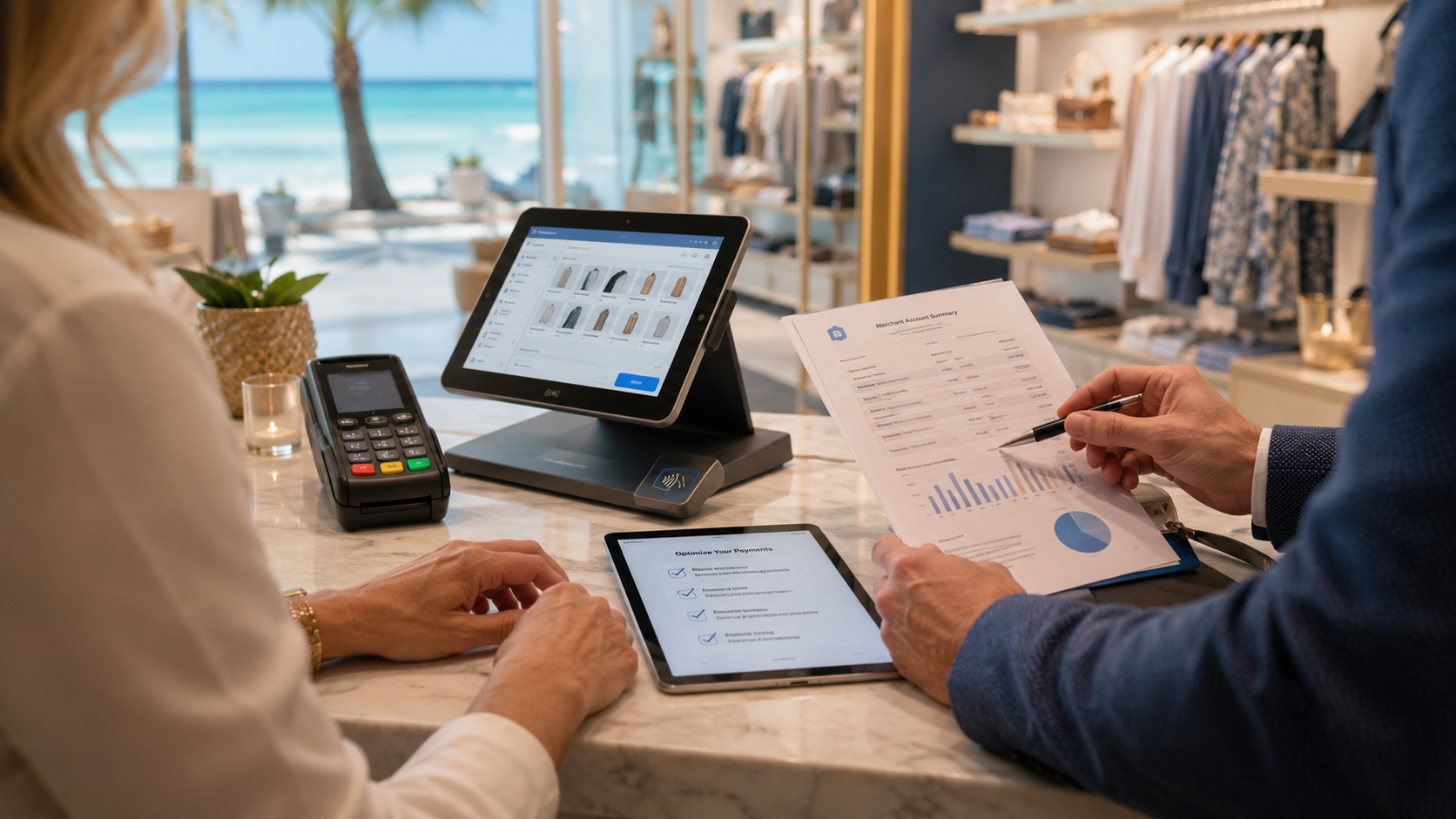
A practical three-checkpoint audit for clearer payment costs and a better-fitting POS setup.
Florida businesses can face busy seasons, changing transaction volumes, and tight operating margins. Yet a quoted processing rate rarely tells the whole story. Monthly charges, equipment, contract terms, and disconnected software can all affect the real cost of accepting payments.
A local POS broker can help merchants review the full setup—not just the card reader. Start with these three checkpoints.
1. Read the statement before you shop
Gather three recent processing statements, your current agreement, and any separate invoices for software or equipment. List the recurring fees, per-transaction charges, processor markup, and contract or cancellation terms. Then compare total processing fees with card sales to see how your effective rate changes over time. A low advertised rate is not enough if other costs are left out.
For a step-by-step fee review, see how to save money on payment processing fees.

Original image: a Florida merchant reviewing payment costs at the checkout counter.
2. Match pricing to the way customers pay
Separate card-present, keyed, online, debit, and recurring transactions where your reporting allows. Average ticket size, refunds, and sales volume can also affect how a proposal compares with your current account. Ask providers to explain each fee in writing and model alternatives against your own transaction mix; no pricing model is automatically best for every business.
Use this guide to choosing a payment processor to compare fees, equipment, support, security, integrations, and contract terms together.
3. Audit the whole checkout—not just the terminal
Check whether payments connect cleanly with sales reports, inventory, accounting, and daily closeout. Ask who helps if a terminal fails, how deposits are handled, and what happens at renewal or if you change providers. A well-matched system can reduce avoidable manual work, but the right setup depends on the business and its workflow.

Original image: a local POS review focused on the owner’s day-to-day workflow.
If your equipment or software no longer fits, read how to replace an outdated POS system in Florida before planning a changeover.
A quick review checklist
•Recent processing statements and sales totals
•A written list of account, software, and equipment fees
•Contract renewal, cancellation, and equipment-return terms
•Required POS integrations and payment methods
•A named support contact and a written cost comparison
For a broader menu of payment options, The Direct Processors’ services section describes offerings such as recurring billing, invoicing, electronic checks, gateway integration, and POS solutions. Confirm current availability, pricing, and terms directly with the provider.
Your next move: Mark every recurring charge on one recent statement, then compare that total with a proposal built around your actual sales. Clear numbers give you a stronger basis for deciding what to keep, question, or change, without relying on a savings promise that may not fit your business.