
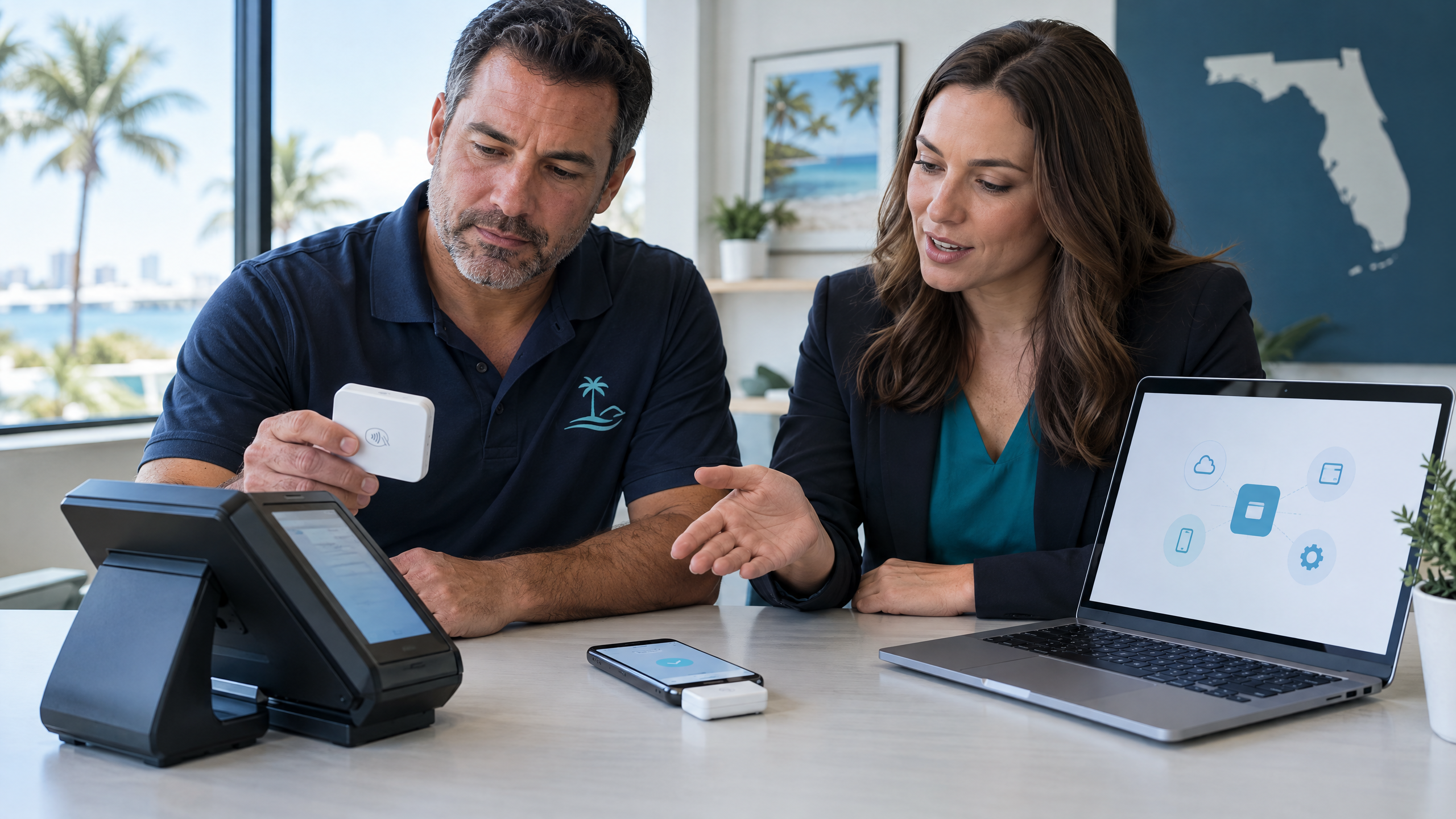
Choosing a payment processor affects more than how customers pay. Your processor can influence transaction costs, funding times, POS equipment, online checkout, reporting, security, chargebacks, and the support you receive when a payment problem affects your business.
Because providers package their services differently, business owners should compare the complete relationship rather than choosing based only on an advertised transaction rate.

What Does a Payment Processor Do?
A payment processor helps route and authorize electronic transactions between a customer, a business, payment networks, issuing banks, and the merchant’s acquiring side.
Depending on the provider, processing services may include card payments, debit transactions, digital wallets, ACH payments, online checkout, payment links, recurring billing, fraud tools, chargeback support, reporting, and funding.
A payment processor may also provide or connect to a payment gateway, POS system, terminal, mobile reader, or virtual terminal. Therefore, compare the complete solution you need—not just the company’s name or advertised rate.
1. Start With How Your Business Accepts Payments
Before comparing processors, list every way your business accepts or plans to accept money. For example, you may need:
- Countertop payments at a fixed location
- Wireless or tableside payments
- Mobile payments at customer locations
- Online checkout
- Payment links and invoices
- Phone or card-not-present transactions
- Recurring billing or subscriptions
- Deposits, reservations, and scheduled payments
- Multiple locations or sales channels
This step matters because a provider that works well for a retail checkout may not offer the tools a contractor, restaurant, tour operator, or e-commerce business needs. If invoices and payment links are part of your workflow, review the Florida POS unpaid-invoice guide for tips on balances, records, and follow-up.
2. Compare Total Processing Costs
Payment-processing costs can include more than one percentage. Review all of the following:
- Interchange and network costs
- Processor markup
- Per-transaction fees
- Monthly or annual account fees
- Statement fees
- Payment-gateway fees
- Batch fees
- PCI or compliance fees
- Chargeback fees
- Equipment purchase, rental, or lease costs
- Software and integration charges
- Cancellation or early-termination fees
Visa explains that merchants generally pay a broader merchant discount to their financial institution rather than paying interchange reimbursement fees directly. Mastercard also explains that interchange forms one part of the merchant discount rate established by acquirers.
Ask each provider for a complete fee explanation and a sample statement. Do not compare proposals using only the lowest headline percentage.
Calculate your effective rate
Use this formula to measure your average cost:
Total processing fees ÷ total processed sales × 100 = effective processing rate
If you pay $375 in total processing fees on $25,000 in monthly sales, your effective rate is 1.5%.
The U.S. Chamber of Commerce recommends an effective-rate calculation because it includes the broader costs that may appear on a merchant statement.
3. Understand the Pricing Model
Flat-rate pricing
Flat-rate pricing applies a standard rate and fixed fee to a transaction type. In general, it offers simplicity and predictable calculations, although it may not provide the best fit for every transaction mix or volume level.
Interchange-plus pricing
Interchange-plus pricing separates the underlying interchange cost from the provider’s markup. For that reason, it can make the processor’s markup easier to identify.
Tiered pricing
Tiered pricing groups transactions into categories, such as qualified and non-qualified. However, merchants should ask how the provider assigns each transaction to a tier and whether the categories make the total cost easy to predict.
Subscription or membership pricing
Some providers charge a recurring platform or membership fee alongside a separate transaction amount. Therefore, compare the monthly fee against your actual volume and average ticket.
4. Check POS and Equipment Compatibility
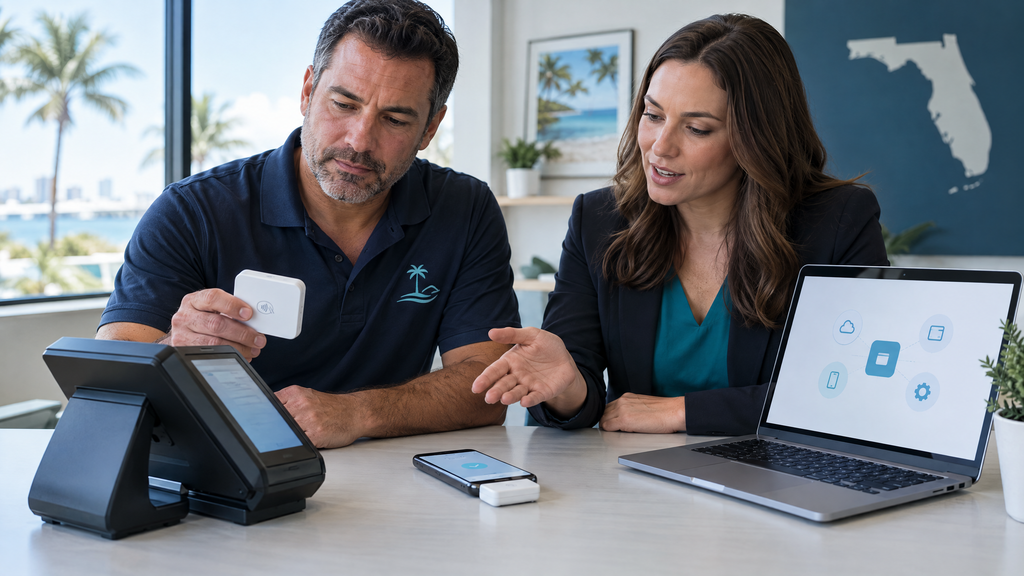
Your payment processor should work with the equipment and software your business uses. Ask whether the provider supports: For broader POS planning as a Florida business grows, see modern POS systems for growing Florida businesses.
- Countertop terminals
- Wireless terminals
- Mobile card readers
- Contactless cards and digital wallets
- POS systems
- Barcode scanners and receipt printers
- Online payment gateways
- Virtual terminals
- Payment links
- Reservation or ticketing systems
- Accounting, payroll, inventory, or e-commerce integrations
Clarify who owns the equipment, who pays for repairs, and what happens to the devices if you cancel the processing account.
5. Review Funding and Account Policies
A processor does more than approve transactions. It also helps coordinate settlement and funding to your business bank account.
Ask:
- How long does funding normally take?
- Are weekend and holiday deposits available?
- What information appears on settlement reports?
- Can the provider place a reserve or hold on funds?
- Under what circumstances could funding be delayed?
- Can you connect multiple locations or bank accounts?
- How does the provider handle refunds and chargebacks?
Ask the provider to explain its funding and reserve policies in writing before you sign.
6. Evaluate Security and Compliance Support
The PCI Security Standards Council states that PCI DSS provides security requirements for environments where payment account data is stored, processed, or transmitted.
Ask the provider:
- Does the solution support encryption or tokenization?
- Which payment devices and software does the provider support?
- What PCI DSS responsibilities remain with the merchant?
- How does the provider monitor suspicious activity?
- What fraud tools are included?
- How should employees respond to a tampered terminal?
- How does the provider communicate security incidents?
Even when you outsource payment processing, your business may still have responsibilities. Train employees to protect login credentials, use individual accounts, and follow secure procedures for refunds and card-not-present payments.
7. Assess Integrations and Business Growth
A payment processor should support your current operations and future plans. Ask whether you can add:
- More employees
- More terminals
- Additional locations
- Online sales
- Invoices and payment links
- Recurring billing
- New POS or accounting tools
- International customers or additional payment methods, if relevant
A Florida tourism business may need online deposits, mobile payments, wireless equipment, ticketing integrations, and seasonal flexibility. A restaurant may prioritize tips, tableside payments, split checks, and online ordering. A contractor may need mobile payments, invoices, and deposits.
8. Investigate Customer Support
Payment problems can interrupt sales, delay deposits, and frustrate customers. Before choosing a provider, find out:
- Whether support is available by phone, email, chat, or text
- Whether live support operates 24/7
- Who handles terminal failures
- Who handles declined transactions and funding issues
- Whether the provider offers onboarding and staff training
- Whether you receive a dedicated account representative
- How quickly the provider responds to technical problems
A competitive rate means less if your staff cannot get help when the payment system stops working.
9. Read the Contract Carefully
Review the complete agreement before signing. Pay close attention to: Pay particular attention to how the agreement handles price updates; this guide to POS price changes in Florida covers approvals and verification across connected sales channels.
- Contract length
- Automatic renewal
- Pricing-change provisions
- Cancellation notice
- Early-termination fees
- Equipment leases
- Equipment return requirements
- Reserve and hold policies
- Chargeback terms
- Data ownership and portability
If any term seems unclear, ask the provider to explain it in plain language and provide the answer in writing.
10. Ask for a Side-by-Side Proposal
A useful comparison should show more than a single rate. Ask each provider to estimate your total monthly cost using:
- Monthly sales volume
- Average transaction size
- In-person versus online sales
- Keyed or card-not-present transactions
- Refunds and chargebacks
- Equipment and software
- Monthly and annual fees
- Expected transaction count
Then compare total costs, service features, funding, integration, equipment, and support together.
A Payment-Processor Comparison Checklist
Before making a decision, confirm that the provider can answer these questions:
- What will I pay in total each month?
- Which costs come from the card networks, and which costs come from the provider?
- Which pricing model fits my sales volume and average ticket?
- Does the solution support all of my sales channels?
- Will the equipment work with my POS and business software?
- How quickly will I receive funds?
- What security and PCI DSS responsibilities remain with me?
- Who handles chargebacks and payment disputes?
- What happens if I cancel the agreement?
- Can you review my current statement and show the estimated effective rate?
How The Direct Processors Can Help
The Direct Processors helps Florida businesses evaluate payment processing, merchant services, POS systems, terminals, and related equipment. A review can help you compare your current statement, sales channels, equipment needs, and provider support before making a change. For an example of a broader merchant-services lineup, The Direct Processors’ services section describes recurring billing, a QuickBooks plug-in, invoicing, electronic checking, gateway integration, and POS options. Confirm current availability and compare each provider’s terms with your needs.
Ready to compare payment processors? Contact The Direct Processors for a merchant-services review.
Frequently Asked Questions
What is the most important factor when choosing a payment processor?
Start with the total cost for your actual business, but also review equipment, integrations, funding, security, contracts, and support. The lowest advertised rate may not produce the lowest total cost.
How do I compare payment processors?
Gather recent statements and document your monthly volume, average ticket, sales channels, equipment, and recurring fees. Then request complete proposals that show transaction costs and account charges.
Is interchange-plus pricing better than flat-rate pricing?
Neither model works best for every business. Interchange-plus may provide more pricing detail, while flat-rate pricing may offer simpler calculations. Compare the total cost using your actual transaction mix.
Can a payment processor provide POS equipment?
Many processors provide or integrate with POS systems, terminals, wireless devices, mobile readers, gateways, and virtual terminals. Confirm equipment availability, compatibility, ownership, and support before signing.
How long does payment processing take?
Transaction authorization happens quickly, but settlement and funding timelines vary by provider, payment method, account history, bank, weekends, and holidays. Ask the provider for its normal funding schedule and hold policy.
Do I need a payment gateway and a payment processor?
Online businesses generally need both gateway and processing functionality, although one provider may bundle them. The gateway securely transmits payment data, while the processor handles authorization and settlement functions.
What should a Florida business look for in a processor?
Look for transparent pricing, suitable POS and mobile equipment, reliable funding, support for your sales channels, security guidance, clear contract terms, and service availability for your locations.
4 Replies to “How to Choose a Payment Processor for Your Business”