
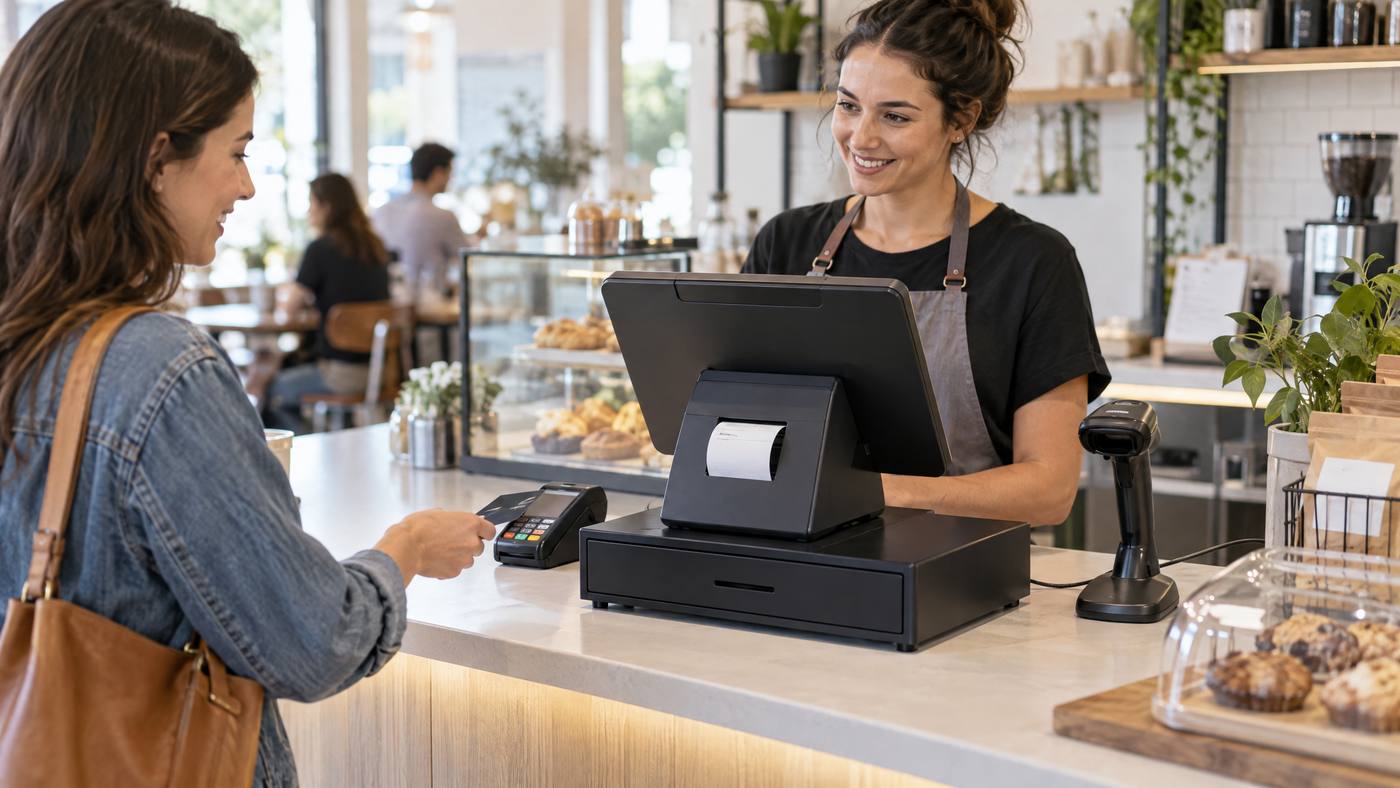
The LANDI C20 Pro brings a touchscreen and receipt printer together in one countertop POS terminal. It can also connect to other devices. However, options vary by model, so check the exact configuration.

What sits in the terminal?
- Main screen: The terminal runs compatible POS software on Android 13, with a 15.6-inch Full HD touchscreen.
- Receipt printer: The built-in thermal printer uses 80 mm paper and an automatic cutter.
- Connections: Wi-Fi, Gigabit Ethernet, Bluetooth, USB, and a cash-drawer port support different station layouts.
- Optional extras: A second display and other peripherals depend on the selected setup.
How a sale moves through the station
- Staff enter items in the POS app on the touchscreen.
- The compatible payment setup handles the customer’s payment.
- The POS sends receipt details to the built-in printer.
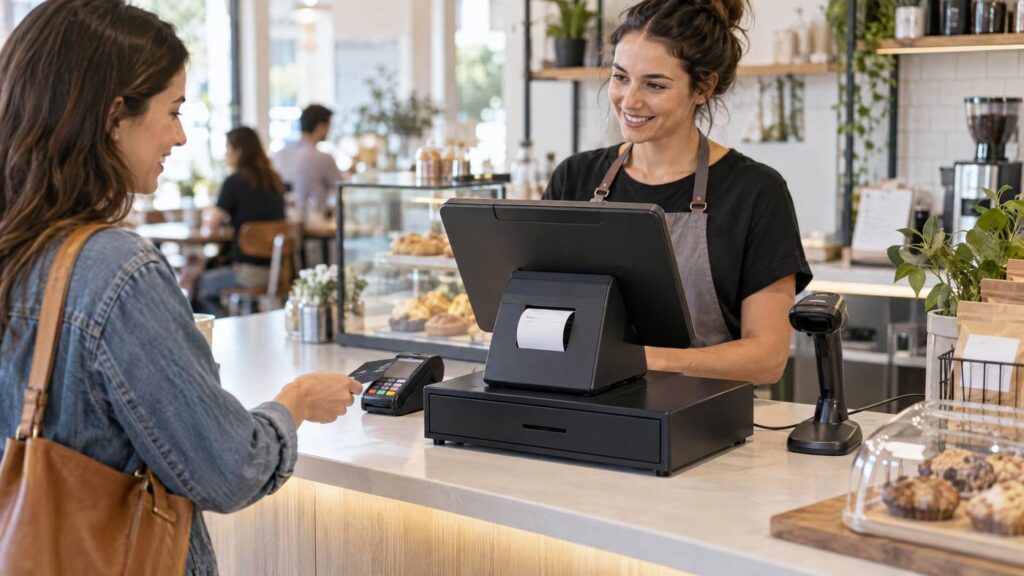
- Supported accessories, such as a cash drawer or scanner, connect to the terminal.
Choose the setup, not just the screen
Before buying, confirm the exact model, POS app, payment hardware, network, optional display, and connected accessories.
For a mobile alternative, see Local POS Broker’s PAX A920 Pro guide. Its NFC reader guide explains contactless payments. For a wider view of connected tools, read its integrated payment solutions guide.
Explore broader merchant services
The terminal is only one part of checkout. The Direct Processors’ services page describes a range of merchant services for businesses comparing POS and payment options.
At a well-planned counter, the C20 Pro can give staff one main place to manage sales, print receipts, and connect compatible equipment.