
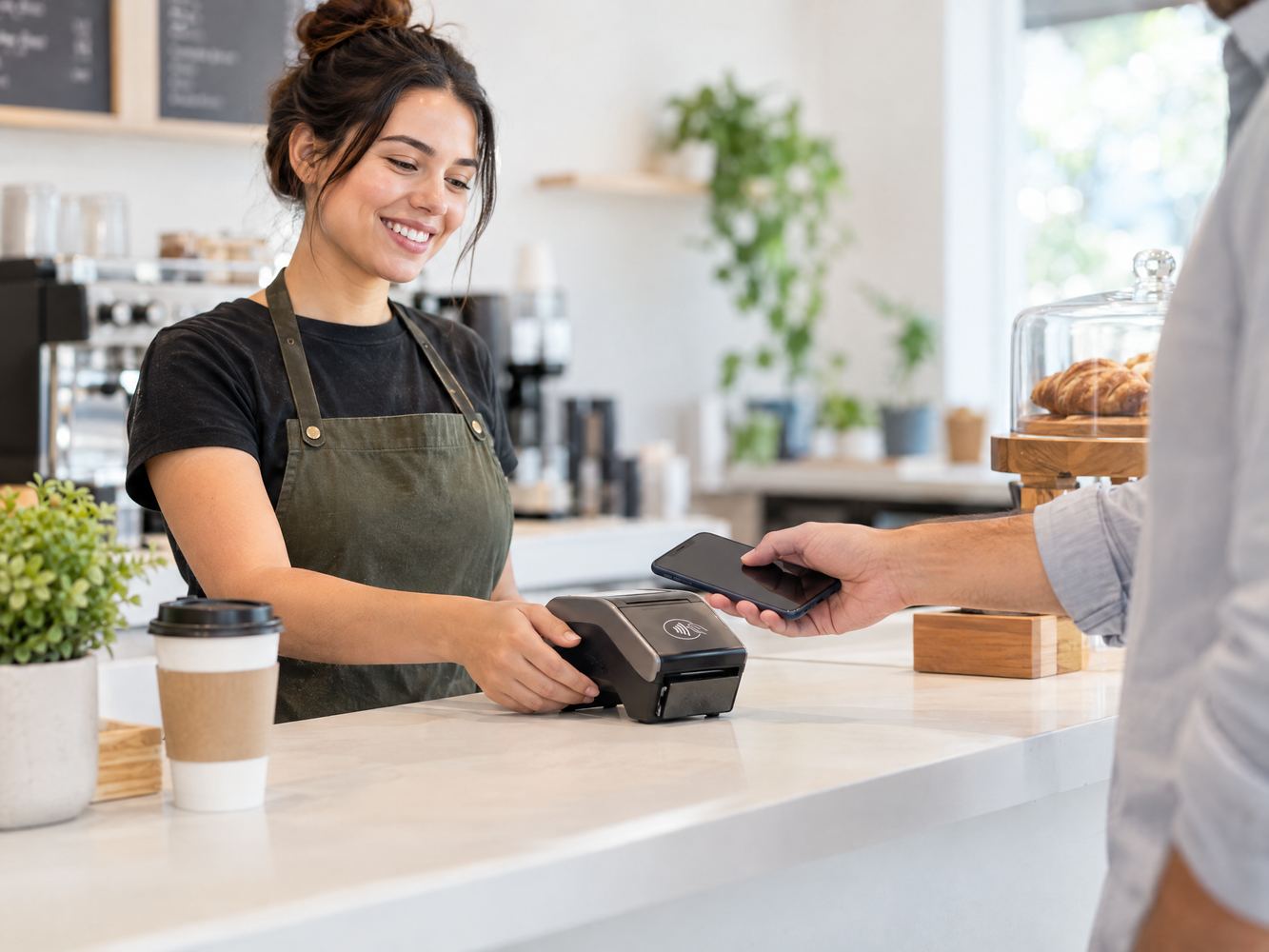
Moment one: the customer taps
The customer holds a contactless card or mobile device near the reader. The reader detects the payment technology and sends the transaction through the merchant’s POS and payment provider.
If the payment is approved, the sale is completed. Depending on the card, wallet, amount, and provider, the customer may also need to verify the transaction with a PIN, passcode, fingerprint, or face scan.
EMVCo explains that contactless chip payments can use NFC-enabled mobile devices and cards. It also notes that a one-time security code helps protect each transaction.
Moment two: the payment method is confirmed
An NFC reader is not a replacement for every payment method. Instead, it adds contactless acceptance to the checkout.
A modern reader may support:
1.Contactless cards
2.Smartphone and smartwatch wallets
3.EMV chip cards
4.Magnetic-stripe cards
5.Debit PIN transactions, when enabled by the provider
The available methods depend on the hardware, payment account, software, and local rules. Therefore, confirm supported payment types before buying.
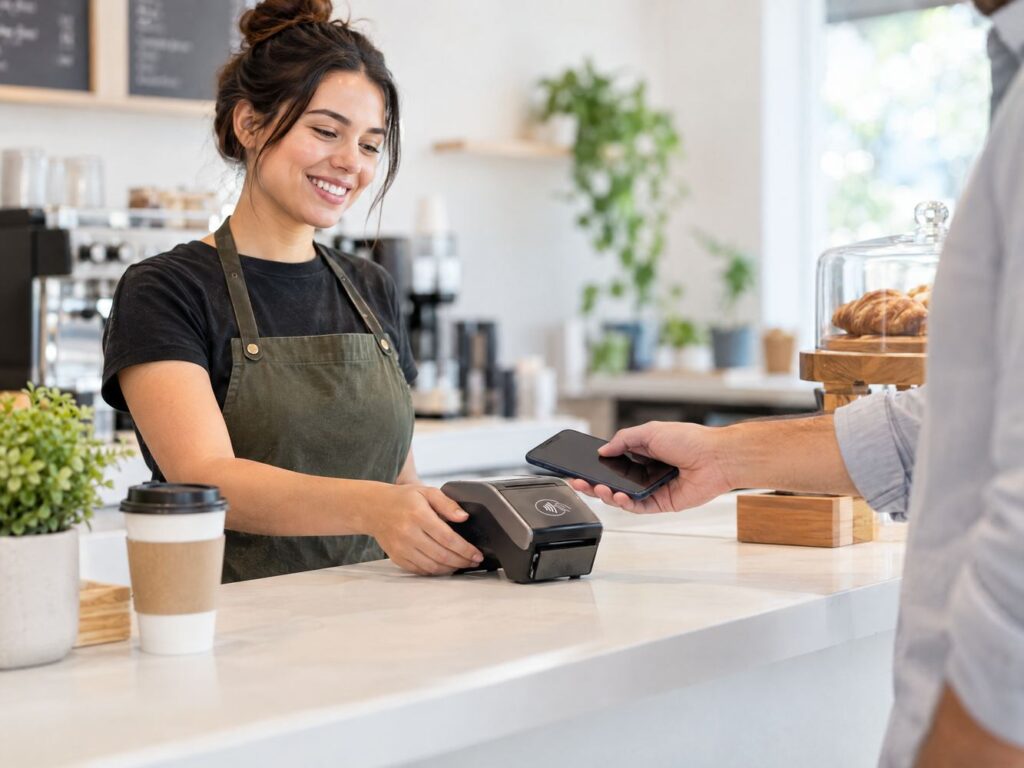
Moment three: the payment becomes part of the workflow
The reader works best when it connects smoothly with the way the business sells.
Retail checkout
Staff can scan products, confirm the total, and ask the customer to tap. A retail setup may also need inventory, employee permissions, returns, and sales reporting. See Local POS Brokers’ retail POS solutions for a broader checkout fit.
Restaurants and cafés
A counter-service business can use an NFC reader after entering an order. Full-service restaurants may need table management, tips, kitchen routing, and handheld devices. Review Local POS Brokers’ restaurant POS solutions when those workflows are important.
Salons and service businesses
A salon, repair shop, or contractor can accept payment after the service ends. Businesses that also need appointments, customer records, or retention tools can explore Local POS Brokers’ service POS solutions.
Mobile and event businesses
A portable NFC reader can help food vendors, market sellers, contractors, and event teams take payments away from a permanent counter. Check battery life, Bluetooth or cellular connectivity, receipt options, and offline-payment rules first.
Why businesses add NFC acceptance
•Fewer checkout steps: Customers can tap instead of inserting or swiping.
•More payment choice: Mobile wallets and contactless cards give customers another option.
•Simple customer interaction: The payment action is easy to explain and demonstrate.
•Flexible placement: Small readers can fit counters, service desks, carts, and event tables.
•Potentially smoother busy periods: Faster payment interaction can help reduce checkout friction.
These benefits do not guarantee faster transactions in every setting. Network speed, staff training, customer behavior, and payment approval still affect the experience.
NFC reader buying check
Before choosing a device, confirm these points:
•Does it work with the POS software and processor?
•Does it accept the card types and wallets your customers use?
•Does it connect through Wi-Fi, Bluetooth, Ethernet, USB, or cellular service?
•Can it process payments if the connection drops?
•Does it support receipts, refunds, voids, tips, and deposits?
•What are the equipment, software, processing, and support costs?
•How will the business protect the device and keep software updated?
Do not compare hardware price alone. The complete cost includes processing terms, monthly software, accessories, support, connectivity, and contract conditions.
A simple launch test
Run this sequence before going live:
1.Connect the reader to the approved POS account.
2.Test a contactless card and a supported mobile wallet.
3.Test chip and swipe payments if the device supports them.
4.Print or send a receipt.
5.Test a refund with an authorized employee.
6.Confirm the transaction appears in reports and deposits correctly.
7.Train staff to recognize payment prompts and avoid duplicate charges.
The decision in one sentence
Choose an NFC reader when your business wants a compact way to accept contactless payments while keeping chip, swipe, and other checkout options available.
For wider payment needs, businesses can also review recurring billing, invoicing, electronic checks, gateway integration, and other merchant-services options through The Direct Processors’ merchant services.
Local POS Brokers’ role
Local POS Brokers helps businesses compare payment equipment, POS workflows, processing services, and support options. The right setup should match how the business sells, serves customers, handles refunds, and reviews deposits.
Before purchasing an NFC reader, ask Local POS Brokers to review the complete payment and POS setup.