
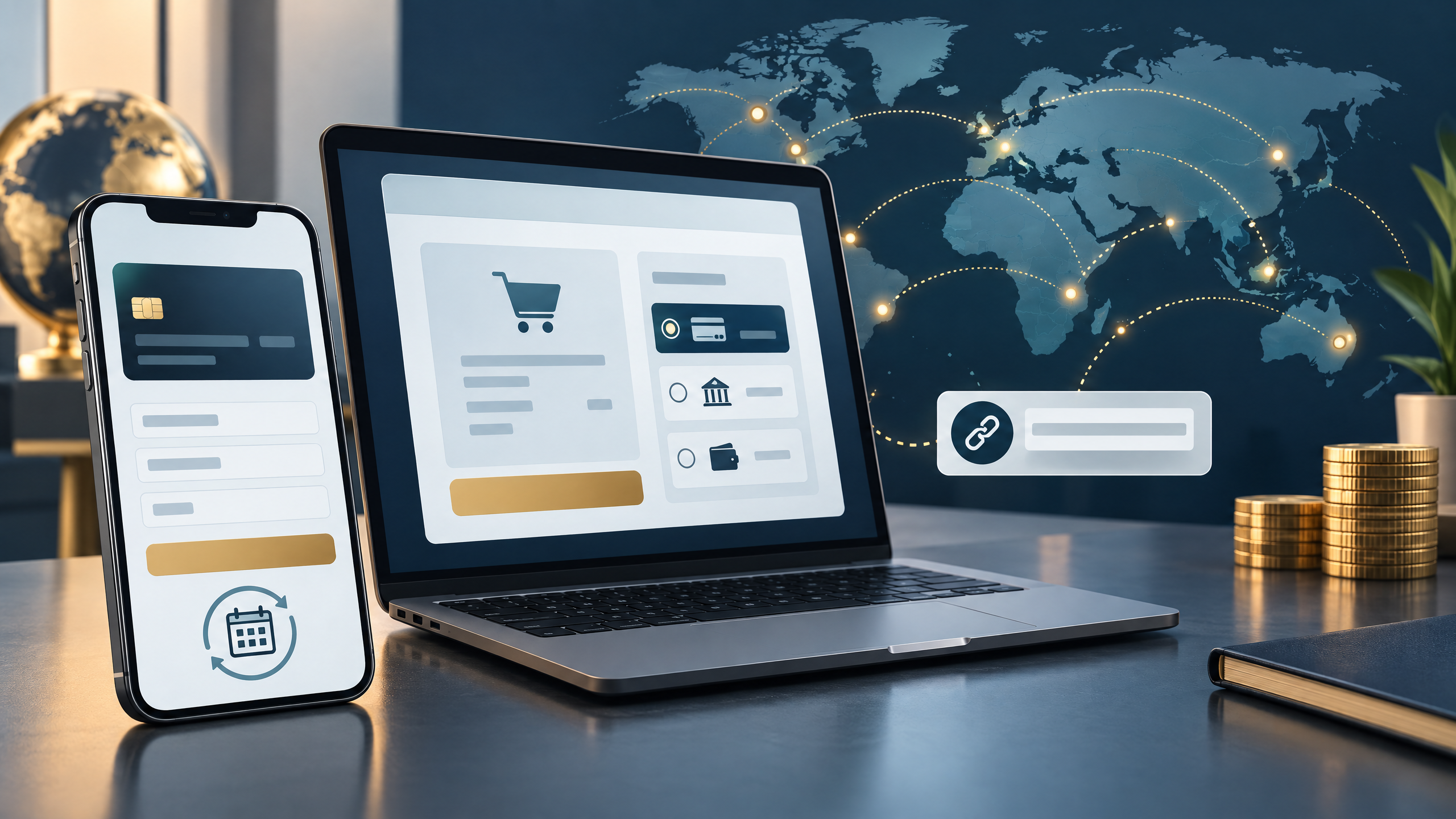
A payment setup should solve today’s checkout needs and leave room for tomorrow’s growth. Airwallex offers online payment tools that may support a first sale, local checkout, payment links, subscriptions, and expansion into additional markets. The right configuration depends on your business location, customers, sales channels, and account eligibility.

1. Launch with a reliable checkout
Choose the simplest integration that fits your store. Depending on your platform and setup, that may be a hosted checkout, an ecommerce plugin, embedded components, or a custom integration. Before launch, test successful and declined payments, refunds, receipts, order updates, and payout records. Verify payment status on the server rather than relying on a customer’s browser redirect alone.
It also helps to understand what the gateway does in the wider payment flow. Read Local POS Broker’s guide to payment gateways versus payment processors.
2. Make checkout fit your customers
Begin with cards and the payment methods customers in your first market actually use. Keep checkout clear on mobile, show prices in an appropriate currency where supported, and avoid overwhelming shoppers with options they are unlikely to choose. Track completed payments and declines by device, market, currency, and payment method before changing the setup.

3. Add tools when the business is ready
Once checkout is stable, add capabilities to address specific needs. Payment links can help collect deposits or invoice payments without a full online store. Subscription tools may support recurring billing, while retry and fraud controls can help manage failed or risky transactions. For international sales, check which local methods, currencies, and settlement options are available for your business before launching in a new country.
- For a first launch: keep the checkout simple and test the entire payment-to-payout process.
- For repeat sales: test renewals, failed-payment recovery, refunds, and cancellations.
- For a new market: confirm supported methods, currencies, settlement timing, and customer-support needs.
4. Compare the full cost—not just the rate
Review processing charges alongside gateway, software, currency-conversion, payout, refund, and dispute costs. Compare the same sales volume and payment mix across proposals. Local POS Broker’s overview of credit card processing fees explains common fee categories and questions to ask providers.
Airwallex may suit businesses that need online payments and tools for cross-border growth, but feature availability and pricing vary. Confirm current terms, supported countries, and integration requirements directly before making a decision.
Explore the wider merchant-services mix
A gateway is only one part of payments. For businesses comparing additional options, The Direct Processors’ services section describes offerings such as recurring billing, invoicing, electronic checks, a QuickBooks plug-in, gateway integration, and point-of-sale options. Check current availability and terms with the provider.
The takeaway: Start with dependable checkout, measure what customers use, and add features only when they solve a real operational need. That keeps your payment roadmap practical as the business grows.