
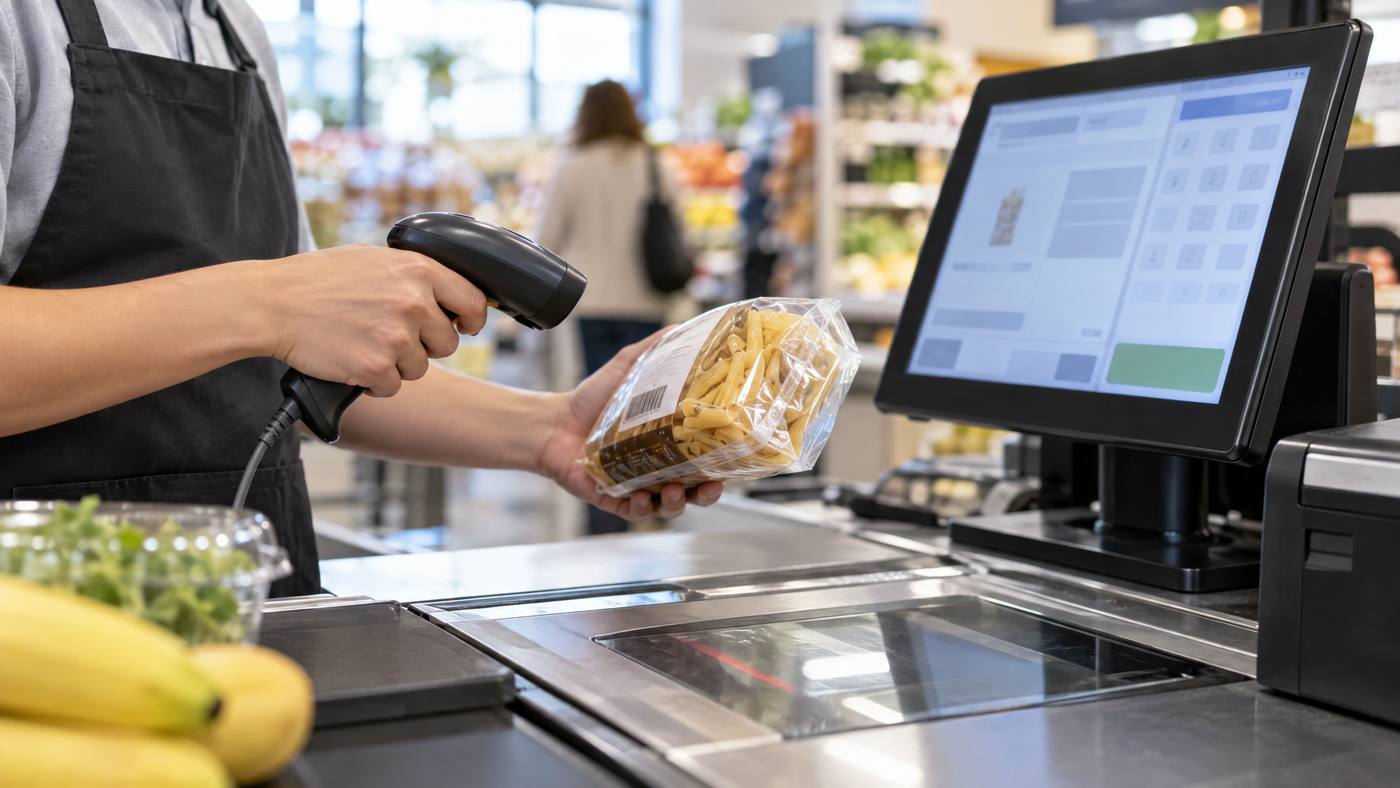
Quick view: The corded Datalogic QW2120 reads supported 1D barcodes and sends the captured data to compatible POS software. The scanner identifies the code; the POS finds the product and price.

One scan, four steps
- Present the code. Bring a supported 1D barcode into the scanner’s reading area.
- Capture and decode. The QW2120 uses a red LED light source to read the code. Its Green Spot, LED, and beeper can provide successful-read feedback.
- Send the data. The scanner sends the barcode through its USB connection to the host system.
- Find the item. POS software matches the number to a product record, then adds the configured price and details to the transaction.
Check the fit before setup
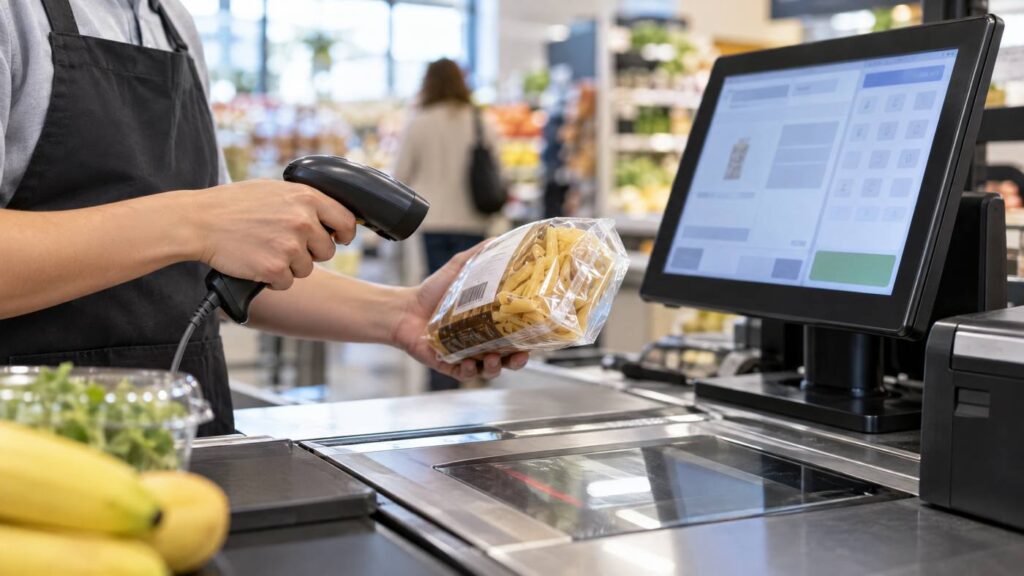
- The QW2120 is primarily a 1D scanner; choose a 2D-capable model if QR codes are required.
- Its stated maximum rate is up to 400 reads per second, but actual checkout speed depends on codes, handling, and POS setup.
- Confirm USB compatibility, placement, and any hands-free stand requirement.
Need 2D scanning? Compare it with Local POS Broker’s Zebra DS2208 guide. For the next step after a scan, its POS inventory-mismatch guide explains how product records and barcode mapping affect stock counts.
Explore broader merchant services
A scanner is only one part of checkout. The Direct Processors’ services page describes a range of merchant services for businesses comparing POS and payment needs.
Bottom line: The QW2120 turns a supported barcode into data the POS can use. Check barcode requirements and system compatibility before choosing a scanner.
One Reply to “Datalogic QW2120: From Barcode to Checkout”