
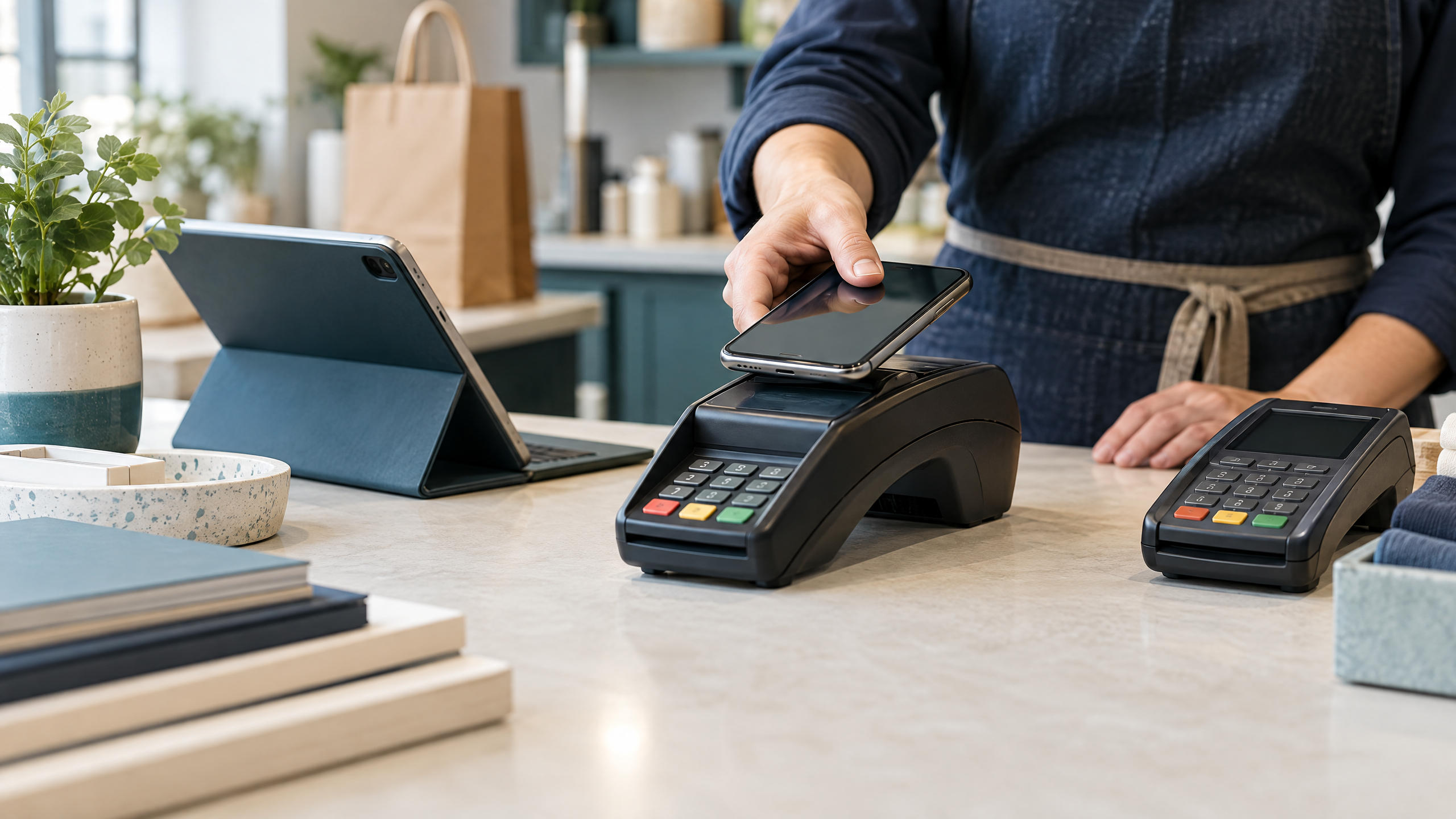

Businesses can switch merchant service providers without switching off their ability to take payments. Instead, treat the change as a controlled bridge between two payment operations rather than as a single replacement event.
That bridge should protect the functions customers and staff notice first: checkout, card acceptance, refunds, recurring billing, receipts, settlement deposits, reporting, and support. Meanwhile, give the new provider more transaction volume only after it passes controlled tests.
No provider can guarantee that every payment, integration, or underwriting decision will behave exactly as planned. Therefore, focus on reducing avoidable disruption: keep a working fallback, assign ownership, and prove each critical flow before you close the old relationship.
Start with a continuity map, not a cancellation date
Before choosing a cutover date, write down what must keep working during the transition. In particular, include more than the card terminal or online checkout:
- In-store card, contactless, and mobile-wallet acceptance
- Ecommerce checkout and payment links
- Recurring billing and saved-card payments
- Refunds, voids, partial captures, and returns
- Gift cards, loyalty programs, and store credit
- POS, gateway, accounting, ERP, and reporting connections
- Payment webhooks, customer notifications, and fraud tools
- Batch close, settlement deposits, and bank reconciliation
- Chargeback notifications, evidence, and historical transaction access
That inventory should distinguish the gateway, processor, and other connected systems. Our payment gateway vs. payment processor guide explains how those components work together.
Stripe recommends defining scope, owners, timing, and success criteria before the migration begins. In addition, Stripe advises teams to map dependencies such as POS, mobile applications, webhooks, dashboards, accounting, reporting, and ERP workflows rather than treating the payment form as the entire system.
Next, turn the map into measurable outcomes. For example, the business may require successful authorization rates to remain within an agreed range, refunds to reach the correct customer, deposits to reconcile to batches, and recurring payments to complete through at least one billing cycle.
Build the runway before moving production traffic
A provider switch can fail before the technical work starts if the business overlooks the commercial and underwriting timeline. Before you proceed, review the existing agreement and confirm:
- Initial term and renewal date
- Required cancellation notice and delivery method
- Early-termination fees or liquidated damages
- Gateway, software, or equipment agreements that may be separate
- Terminal ownership, lease, return, and replacement obligations
- Data-export rights and historical statement access
- Open refunds, disputes, reserves, and pending settlements
Before giving notice, review common merchant services red flags for business owners, including renewal terms, equipment obligations, fee disclosures, funding holds, and support commitments.
At the same time, apply for and activate the new merchant account before canceling the old one. Beyond Bancard recommends keeping the existing account open while the team approves, configures, tests, and launches the replacement.
This overlap is not waste. Rather, it gives the business time to correct credentials, replace incompatible hardware, resolve underwriting questions, and verify the first deposit without putting every sale at risk.
Treat payment-data portability as its own project
Saved cards and recurring payment profiles deserve special attention. Payment tokens often belong to a specific processor, gateway, or vault, so they may not work automatically in the new environment.
Ask both providers, in writing:
- Can the existing tokens be transferred through a compliant process?
- Who owns the stored payment data and who performs the transfer?
- Is an account-updater service available?
- Will customers need to enter payment details again?
- How will failed recurring payments be retried?
- How will subscriptions, authorization history, and billing dates be preserved?
- What happens to stored cards after the old account is closed?
Bankful describes processor migration as a change across multiple layers: payment software and orchestration, the processor of record, and the acquiring or sponsor bank. The company also warns that stored-card tokens commonly depend on their original environment, so the business may need a compliant vault migration, account-updater coverage, or planned re-collection.
If customers must re-enter payment details, make the process a customer-experience project rather than a surprise. Explain the reason clearly, provide a secure payment path, and monitor failed renewals closely. Also, keep card details inside the approved payment environment.
Create the payment bridge in a test environment

Configure the new provider without changing all live traffic at once. Depending on the business model, the bridge may include a sandbox, parallel terminals, a second gateway connection, or a staged percentage of online transactions.
Test the full transaction lifecycle:
- Successful credit and debit authorization
- Declined and retried payments
- Chip, contactless, swipe, and supported fallback behavior
- Refunds, voids, partial captures, and returns
- Recurring billing and saved-card renewals
- Payment links, ecommerce orders, and mobile checkout
- Receipts, webhooks, customer notifications, and accounting exports
- Batch close, settlement reporting, and bank deposits
- Fraud rules, dispute alerts, and support escalation
ReadyAccept recommends testing a small live transaction, issuing a refund, and completing a batch settlement before full launch. Furthermore, the provider advises checking the first recurring billing cycle, early bank deposits, and the first full statement.
For physical stores, document terminal IDs, serial numbers, network settings, register assignments, and receipt printers. An open POS may support another processor after reconfiguration, while a closed system may require new hardware. Confirm compatibility before anyone ships equipment or returns the old terminals.
Make the first production traffic intentionally small
The first live traffic should answer questions, not maximize volume. Therefore, route a controlled slice of payments through the new provider, or launch at one location or one sales channel before expanding.
Use a written stop rule. For example, pause the rollout if the business sees a material increase in declines, duplicate charges, missing deposits, incorrect receipts, broken webhooks, failed refunds, unexplained holds, or customer complaints about saved payments.
During the overlap, reconcile the two systems every day. Specifically, compare:
- Transaction counts and gross sales
- Approval and decline patterns
- Refunds, voids, and chargebacks
- Processing fees and other deductions
- Batch totals and settlement deposits
- Deposit timing and destination bank accounts
- Recurring-payment success and retry activity
Do not rely on a dashboard total alone. Instead, compare provider reports with POS records, ecommerce orders, and bank activity. Split reporting is normal during a transition, but unassigned reconciliation is not.
Keep original transactions with the original provider
A provider change does not erase the old provider’s responsibilities. As a result, refunds and disputes may need to remain with the processor that handled the original transaction.
Before removing access to the old account, export and retain statements, transaction records, batch reports, refund history, dispute notices, and settlement data. Then keep the old account available for legacy refunds, chargebacks, retrieval requests, and reconciliation until the business resolves those obligations.
Create a simple rule for staff: after the cutover time, new sales use the new provider; original transactions use the provider that processed them unless the documented procedure says otherwise. This rule reduces failed refunds and prevents teams from searching the wrong system.
Keep the old account inactive for new sales, but do not discard it prematurely.
Prepare people for the handoff
Even a technically correct payment migration can disrupt business if employees do not know which terminal, register, or refund process to use.
Train staff on the exact moment of change and show them the new workflow using realistic scenarios. In addition, provide a quick reference for declined cards, duplicate-payment concerns, refunds, receipt problems, offline behavior, and escalation contacts.
Tell customer-support staff how to identify transactions from each provider during the overlap. For subscription businesses, also give them a script for customers whose saved payment method failed or who must securely update their details.
Keep the old and new workflows visually distinct where possible. Clear labels make it less likely that an employee processes a new sale on the old terminal or sends a refund to the wrong account.
Land the migration before closing the old account
Choose a lower-volume trading period rather than the busiest day of the year. Likewise, avoid major promotions, product launches, holidays, billing peaks, and stock-count deadlines.
At the cutover point, complete these actions:
- Confirm the new account is approved, funded, and connected to the correct bank account.
- Freeze unnecessary configuration changes.
- Verify credentials, terminals, register assignments, receipt settings, taxes, and user permissions.
- Run the agreed live tests and confirm the first settlement path.
- Announce the stop-use time for old equipment and credentials.
- Monitor declines, refunds, recurring payments, support tickets, and deposits closely.
- Keep the old provider available for legacy transactions and rollback until the exit criteria are met.
CardChamp emphasizes that the business should cancel directly with the former provider and obtain written confirmation. Its guidance also calls attention to renewal windows, equipment ownership, software compatibility, and gift or loyalty-card conversion.
Do not cancel simply because the new terminal processed one successful payment. Instead, wait until the new setup demonstrates stable authorization, correct settlement, working refunds, reliable reports, and acceptable customer support.
The post-switch proof period
The migration is not finished on launch day. Create a proof period long enough to observe the business’s important payment patterns. For many retailers, that period includes the first full statement and at least one recurring billing cycle; seasonal or delayed transactions may require longer observation.
During that period, review the new provider against the success criteria defined at the start:
- Are authorization rates stable?
- Are declines explained and resolved quickly?
- Do deposits arrive on the expected schedule?
- Do fees match the written agreement?
- Do refunds reach customers correctly?
- Are disputes and alerts visible to the right team?
- Are recurring payments renewing successfully?
- Do POS, ecommerce, accounting, and reporting totals agree?
- Can staff get help when an issue affects sales?
Only after the proof period should the business send final cancellation notice, return equipment, close unused credentials, and archive the old account. Meanwhile, preserve records according to the business’s legal, tax, accounting, and payment-network requirements.
A practical continuity decision
Switching providers is worthwhile when the new relationship improves the business’s cost structure, reliability, support, payment coverage, or ability to grow. However, judge the transition by more than the new quoted rate.
A strong switch plan answers four questions before production traffic moves:
- Can customers still pay?
- Can the business still reconcile and receive funds?
- Can staff still refund, support, and investigate transactions?
- Can the business safely return to the old path if a critical issue appears?
Businesses comparing provider capabilities may also want to review the wider service mix. For example, The Direct Processors’ payment services section lists recurring billing, a QuickBooks plug-in, invoicing, electronic checking, and more. Verify availability, pricing, integration fit, and support directly with any provider.
If any answer remains unclear, the migration is not ready for full volume. Keep the bridge in place, resolve the gap, and expand only when the evidence supports it.