
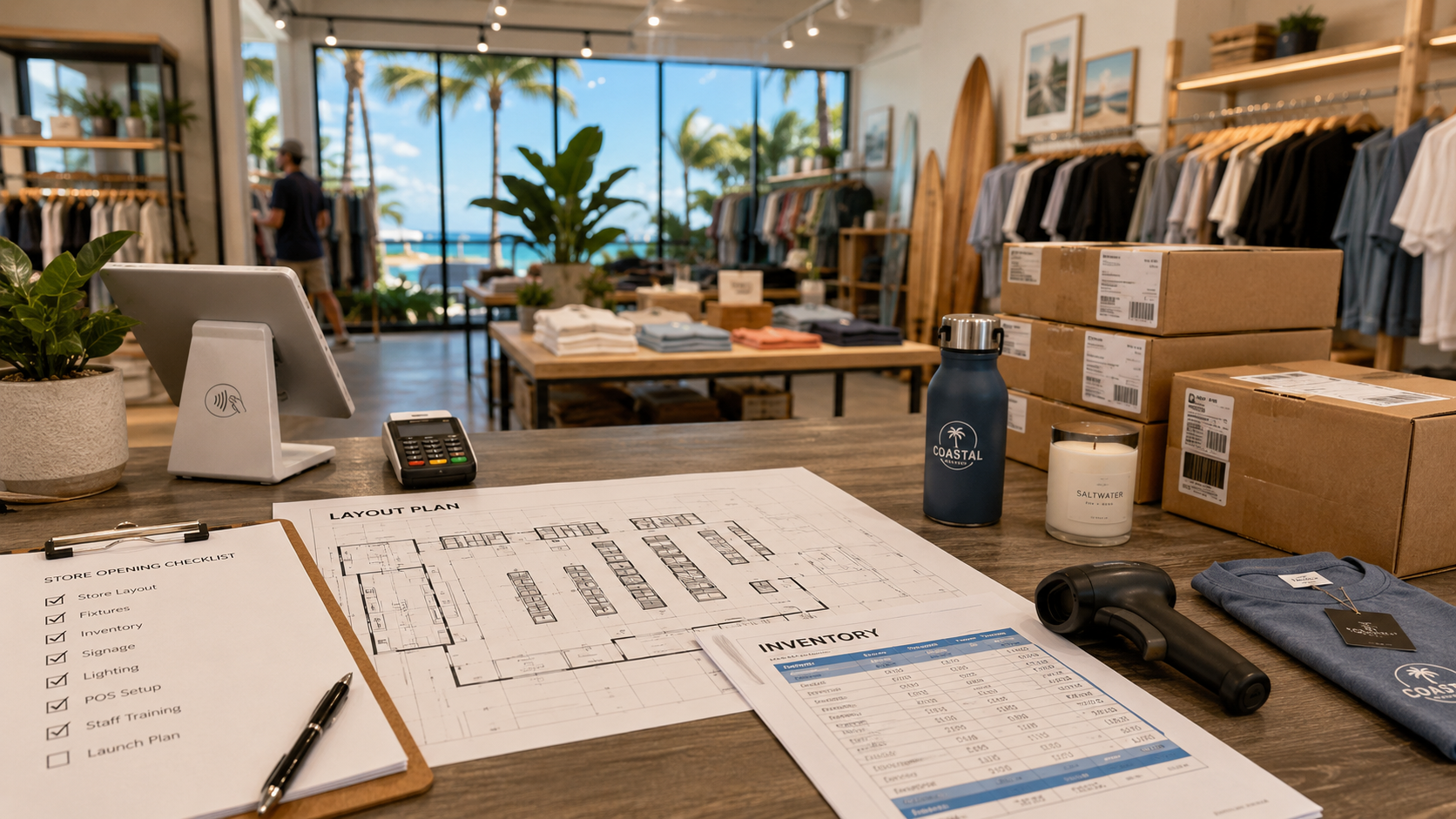
Opening a Florida shop takes more than buying a terminal. Your setup must handle payments, stock, and support. Use these three launch gates before you sign.
Gate 1: Sell with the right tools
List the jobs your team needs. Test one sale, refund, and register close. A boutique and a restaurant may need different tools. Match the hardware and software to your workflow. Use our POS-provider guide to compare equipment, integrations, and support.

Gate 2: Keep stock in sync
Check that online and in-store orders update the same stock record. Match product names, sizes, and locations. Then test a sale, return, and transfer. Confirm when the system needs internet access. Our inventory guide lists common causes of stock errors.

Gate 3: Know the full cost
Ask for every fee in writing. Include processing, software, equipment, support, and exit costs. For a new store, use realistic sales estimates. Existing merchants can compare quotes with actual statements. See our effective-rate guide for help checking fees against sales.
Ask who handles outages, updates, security, and data backups. Confirm each provider’s role. Compare total costs and support plans. No broker can guarantee savings, uptime, legal compliance, or contract changes.
For more merchant services, see The Direct Processors’ services page. It lists recurring billing, invoices, electronic checks, gateway integration, POS, and business lending. Compare current terms with each provider.
Before opening, run one full test. Complete a sale and trace the stock update. Find the deposit and name your support contact.