
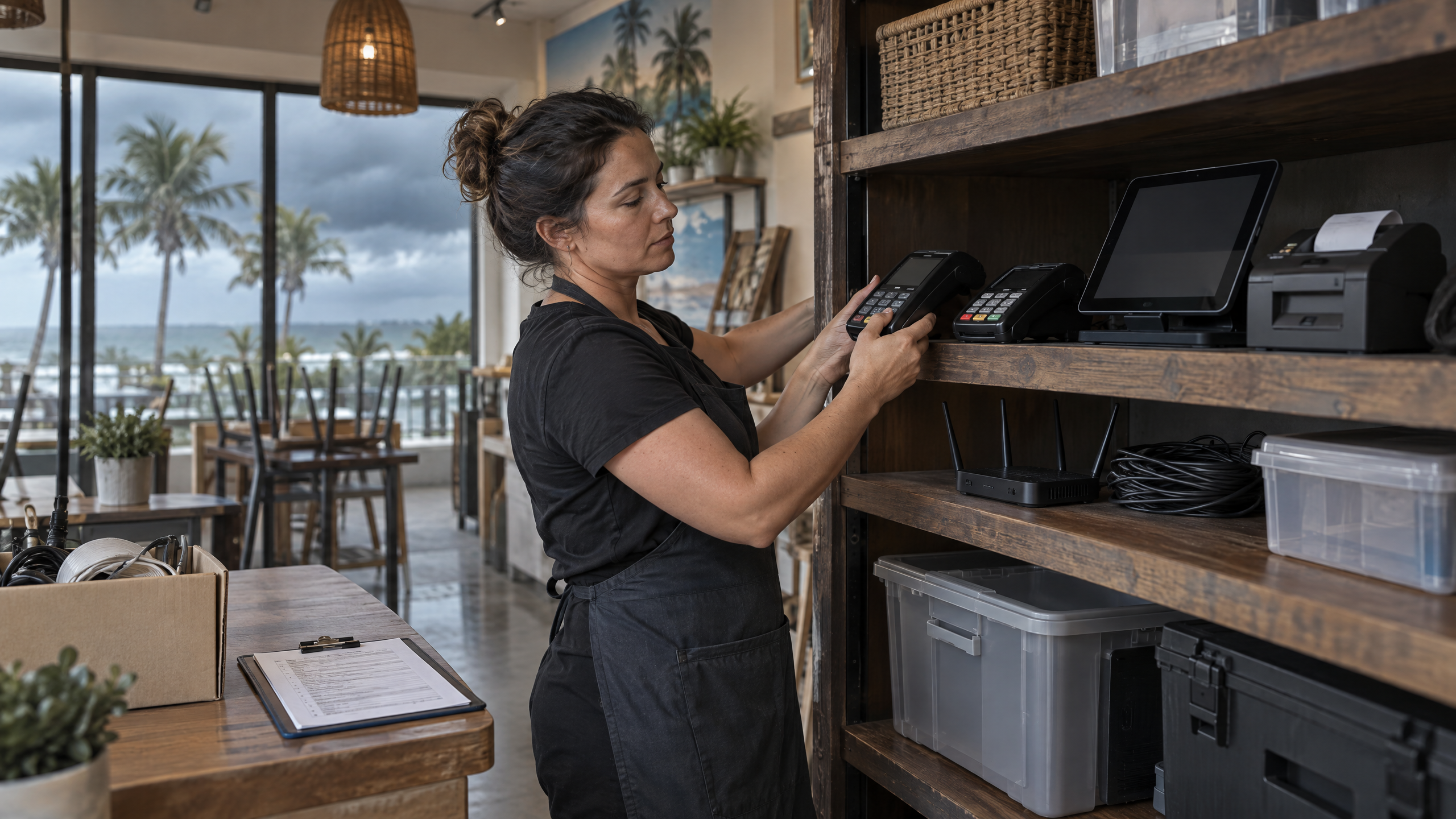
Hurricane payment planning helps Florida businesses prepare for storms, flooding, power loss, communication interruptions, and temporary closures. Nevertheless, payment operations often receive less attention than inventory, property, and supplies.
A business may depend on POS terminals, wireless readers, internet connections, booking systems, payment gateways, staff logins, and processor support. If those systems become unavailable or unprotected, the business may struggle to collect payments, issue refunds, confirm reservations, or reopen after a storm.
This guide explains how Florida businesses can prepare their payment systems before hurricane season and create a practical recovery process afterward.
Important: Payment continuity planning should support—not replace—official evacuation, safety, and emergency-management instructions.
Hurricane Payment Planning Starts Before a Storm
The Florida Division of Emergency Management identifies hurricane season as June 1 through November 30 and advises Florida families and businesses to prepare in advance. Furthermore, its guidance directs business owners to business-planning resources for continuity after a disaster.
Do not wait for a watch or warning to test payment equipment. Create the hurricane payment planning process during a slower period, assign responsibilities, and review it before seasonal demand increases.
Step 1: Identify the payment systems your business depends on
List every system involved in accepting, recording, settling, or refunding payments.
Include:
- Countertop POS terminals
- Wireless terminals
- Mobile card readers
- POS computers and tablets
- Receipt printers and scanners
- Online checkout pages
- Payment gateways
- Payment links and invoices
- Booking or reservation systems
- Accounting and inventory integrations
- Employee logins and administrator accounts
- Processor, gateway, internet, and equipment-support contacts
Record the location, serial number, assigned employee, software version, and replacement process for every critical device. For a clear explanation of the roles, see payment gateway vs. payment processor; knowing which component depends on internet or provider availability can make continuity questions more precise.
Step 2: Protect payment equipment
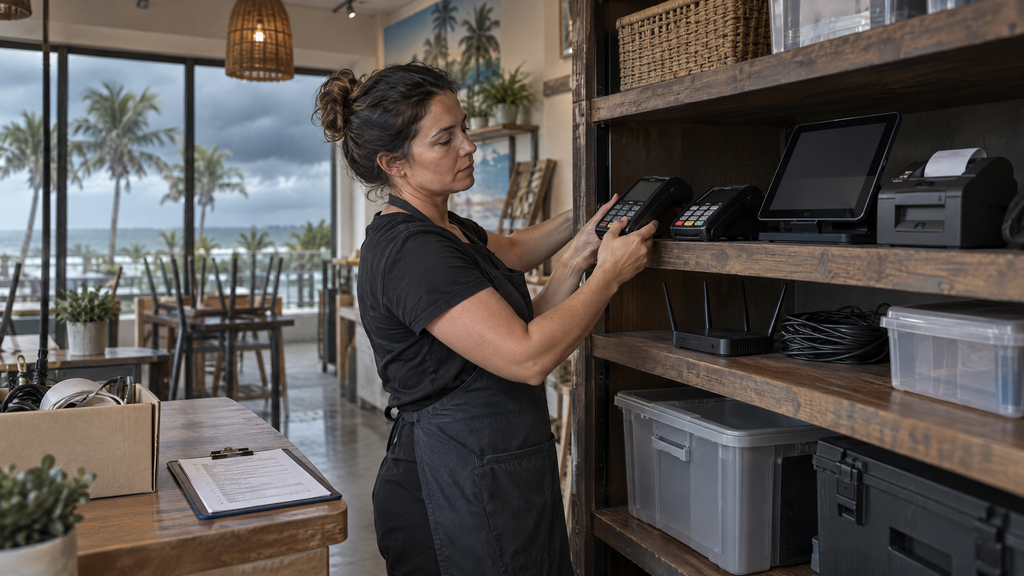
POS equipment can be damaged by water, windborne debris, power surges, heat, theft, and improper storage. Therefore, move portable equipment away from windows, doors, low areas, and unsecured outdoor locations when conditions require it.
Before the storm
- Photograph terminals, readers, computers, routers, and cables.
- Record serial numbers and provider information.
- Store mobile devices in a secure, elevated, dry location.
- Label equipment by location or department.
- Disconnect equipment only according to provider or manufacturer instructions.
- Protect devices from water and excessive heat.
- Keep chargers, cables, and approved accessories together.
- Confirm how to report a damaged or missing device.
Employees should never enter an unsafe location to retrieve equipment. Follow local emergency instructions first.
Step 3: Prepare backup power and connectivity
A payment terminal may require electricity, internet access, cellular service, or a connected POS device. Although a backup battery or generator may help, it does not guarantee that a transaction will process if the network or processor is unavailable.
Before the next storm, ask your provider and internet company:
- Which equipment requires continuous power?
- What battery or backup-power options are approved?
- How long can the equipment operate on backup power?
- Does the POS require internet access for every transaction?
- Is cellular connectivity available for mobile readers?
- Can the system support a secondary connection?
- What happens if a transaction is interrupted?
- How should staff verify whether a payment succeeded?
Businesses can distinguish between a power problem, an internet problem, a device problem, and a processor problem before an outage occurs.
Step 4: Plan for payment continuity
A continuity plan should explain how the business will operate if its normal checkout process is unavailable. According to Ready Business guidance, the plan should include business continuity, crisis communications, assigned responsibility, employee awareness, and training.
At a minimum, your payment-continuity procedure should state:
- Who decides whether payment operations pause?
- Who contacts the POS or merchant-services provider?
- Which locations can operate safely?
- Which equipment can be moved?
- Offline sales: How will staff record sales if the POS is unavailable?
- Refunds: How will the business handle refunds or delayed charges?
- Customer updates: How will customers receive updates?
- When can normal processing resume?
- Who verifies that systems are working after restoration?
A tour operator may pause departures, move a mobile reader to a secure office, notify guests about cancellations, and wait for provider confirmation before processing new payments.
Step 5: Back up essential business data
CISA explains that data loss from natural disasters, system failures, accidental deletion, or cyber incidents can cause downtime and lasting damage. Accordingly, it recommends identifying critical information, using secure backups, following the 3-2-1 backup rule, testing recovery, and training employees.
For payment operations, consider backing up or securely retaining:
- Customer and booking records
- Sales and settlement reports
- Refund and chargeback documentation
- Employee and administrator records
- POS configuration information
- Product and inventory data
- Accounting records
- Contact lists
- Insurance and equipment records
- Business-continuity documents
Do not store sensitive cardholder data in spreadsheets, paper files, email, or personal devices. Instead, follow the payment provider’s approved tools and security instructions.
Step 6: Protect payment data and device access
For payment security, the PCI Security Standards Council advises merchants to use approved payment devices, validated payment software, protected networks, strong passwords, restricted access, and regular device checks.
Before hurricane season, complete the following steps:
- Remove former employees from POS and provider accounts.
- Use individual logins instead of shared credentials.
- Review administrator permissions.
- Change default passwords on approved equipment.
- Confirm that staff Wi-Fi and guest Wi-Fi are separated when appropriate.
- Check that payment software and connected devices are current.
- Document how to report a lost or altered terminal.
- Keep provider support contacts available offline.
Be cautious of storm-related phishing messages that request password resets, emergency payments, software installations, or account information.
Step 7: Prepare staff for changing conditions
Employees should know what to do before, during, and after a storm. For that reason, Ready Business guidance recommends employee awareness, training, communications planning, and drills.
Train staff on:
- Where equipment should be stored
- Who may move or disconnect a terminal
- How to inspect a device
- How to recognize phishing messages
- Which transactions require manager approval
- Lost-reader reporting: How to report a lost reader
- Closure communication: How to communicate a closure or delay
- Customer-data protection: How to protect customer information
- When safety instructions override business procedures
Maintain an offline contact sheet for management, the POS provider, internet provider, equipment support, insurance contacts, and local emergency-management resources.
Step 8: Plan communications for outages and closures
For communications continuity, the FCC recommends preparing for power and communications interruptions, charging phones and devices, keeping backup batteries or chargers available, monitoring official alerts, and using text messages when calls may be difficult to complete.
At a minimum, a business communication plan should include:
- Employee notification methods
- Customer notification methods
- Website and social-media update responsibilities
- A backup phone number or email
- Provider and bank contacts
- The person authorized to announce closure or reopening
- A method for confirming that employees received an update
Staff and customers are more likely to receive consistent information when normal phone or internet service is disrupted.
Step 9: Decide how to handle payments during an outage
Do not assume that every terminal can process payments offline. Offline functionality, delayed capture, transaction limits, and fraud exposure vary by provider and device.
Before hurricane season, ask the provider:
- Is offline processing available?
- Which devices support it?
- What limits or risks apply?
- How are transactions stored and transmitted later?
- What happens if the device is damaged before transmission?
- How should staff avoid duplicate charges?
- Can the business issue payment links after service is restored?
- How should refunds be processed during a disruption?
Use only procedures approved by the provider and documented for staff rather than creating an improvised process.
Step 10: Plan for post-storm recovery
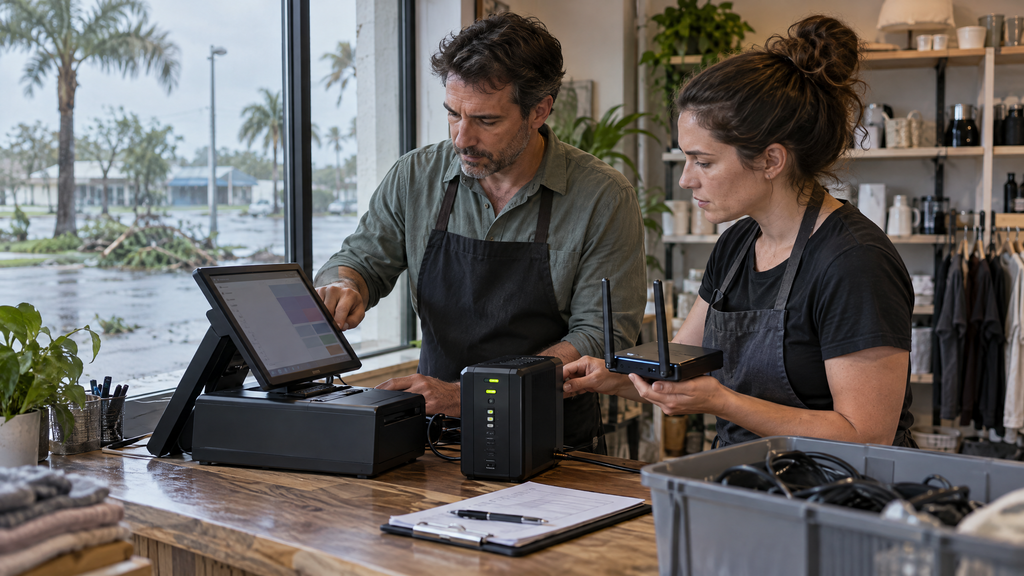
Once authorities say it is safe to return, inspect the payment environment before reopening transactions. Then, reopen payment activity in stages. This approach helps staff identify problems before normal volume returns.
Physical checks
- Confirm the location is safe for employees and customers.
- Inspect terminals, readers, cables, routers, computers, and power equipment.
- Look for water damage, tampering, missing devices, or exposed wiring.
- Compare equipment with the inventory and photographs.
System checks
- Confirm power and network stability.
- Contact the provider if a device was damaged or moved.
- Test a small transaction using the approved procedure.
- Confirm receipts, settlement reporting, and bank funding settings.
- Check that accounting, booking, and inventory integrations work.
- Review interrupted, duplicated, or pending transactions.
Communication checks
- Confirm the reopening time and location.
- Notify employees of new procedures.
- Update customers about cancellations, delays, or refunds.
- Keep records of service interruptions and provider instructions.
Do not use a damaged or suspicious terminal until the provider or a qualified professional has evaluated it. In the meantime, use only an approved replacement or alternate process.
Step 11: Questions to ask a merchant-services provider
- What backup-power options are approved for our terminals and POS devices?
- Can our mobile readers process transactions if the main internet connection fails?
- Does the system support offline payments, and what limitations apply?
- How do we avoid duplicate charges after an interrupted transaction?
- How quickly can damaged equipment be replaced?
- Can we add temporary terminals or users during recovery?
- How do refunds and chargebacks work after a closure?
- Where can we access settlement and transaction reports if the POS is unavailable?
- What security responsibilities remain with our business?
- Who should we contact during evenings, weekends, and storm-related disruptions?
- Can our payment, booking, accounting, and inventory systems be restored consistently?
- Can you help us test the recovery process before hurricane season?
Before signing or renewing an agreement, ask the provider to explain the difference between device backup, internet backup, offline processing, and full business continuity. In addition, request a simple test plan for each scenario. For a broader contract and provider due-diligence checklist, review these merchant-services red flags business owners should know.
How Local POS Brokers can help
At Local POS Brokers, the team helps Florida businesses review POS systems, terminals, mobile readers, merchant services, payment software, and equipment requirements.
A review can help identify whether your payment setup has appropriate equipment, support contacts, backup options, security procedures, and recovery steps for your locations and sales channels. As an example of a provider offering multiple payment services, The Direct Processors’ services section describes recurring billing, invoicing, a QuickBooks plug-in, electronic checking, gateway integration, and POS options. Confirm the current fit, availability, and terms with any provider you evaluate.
Ready to prepare your payment systems for Florida hurricane season? Contact Local POS Brokers for a merchant-services and POS equipment review.
Frequently asked questions
What is hurricane payment planning?
In short, hurricane payment planning is the process of preparing POS equipment, payment channels, data, staff procedures, communications, and provider support for power loss, connectivity problems, closures, equipment damage, and recovery.
Can a POS system work during a power outage?
Some equipment may operate with approved backup power, but the ability to complete a payment also depends on connectivity, device capability, provider rules, and transaction settings. Therefore, ask the provider before relying on backup processing. Otherwise, a business may assume that a terminal works when it does not.
Should Florida businesses use offline payment processing?
Generally, use offline processing only if the provider and device support it and the business understands the limits, risks, transaction storage, duplicate-charge prevention, and later transmission process. For this reason, test the approved workflow before a storm.
How should businesses protect POS equipment during a hurricane?
When conditions allow, move portable devices to a secure, dry, elevated location, document equipment, protect chargers and cables, and follow provider and manufacturer instructions.
What data should a business back up before hurricane season?
Back up critical booking, sales, settlement, refund, accounting, customer, inventory, employee, configuration, and contact information using secure, tested methods.
Does Local POS Brokers help with hurricane payment planning?
Local POS Brokers can help Florida businesses review hurricane payment planning, POS systems, payment equipment, merchant-services options, reporting, and support requirements. Before choosing a solution, confirm the specific services and equipment available for your business.
One Reply to “How to Prepare Florida Payment Systems for Hurricane Season”