
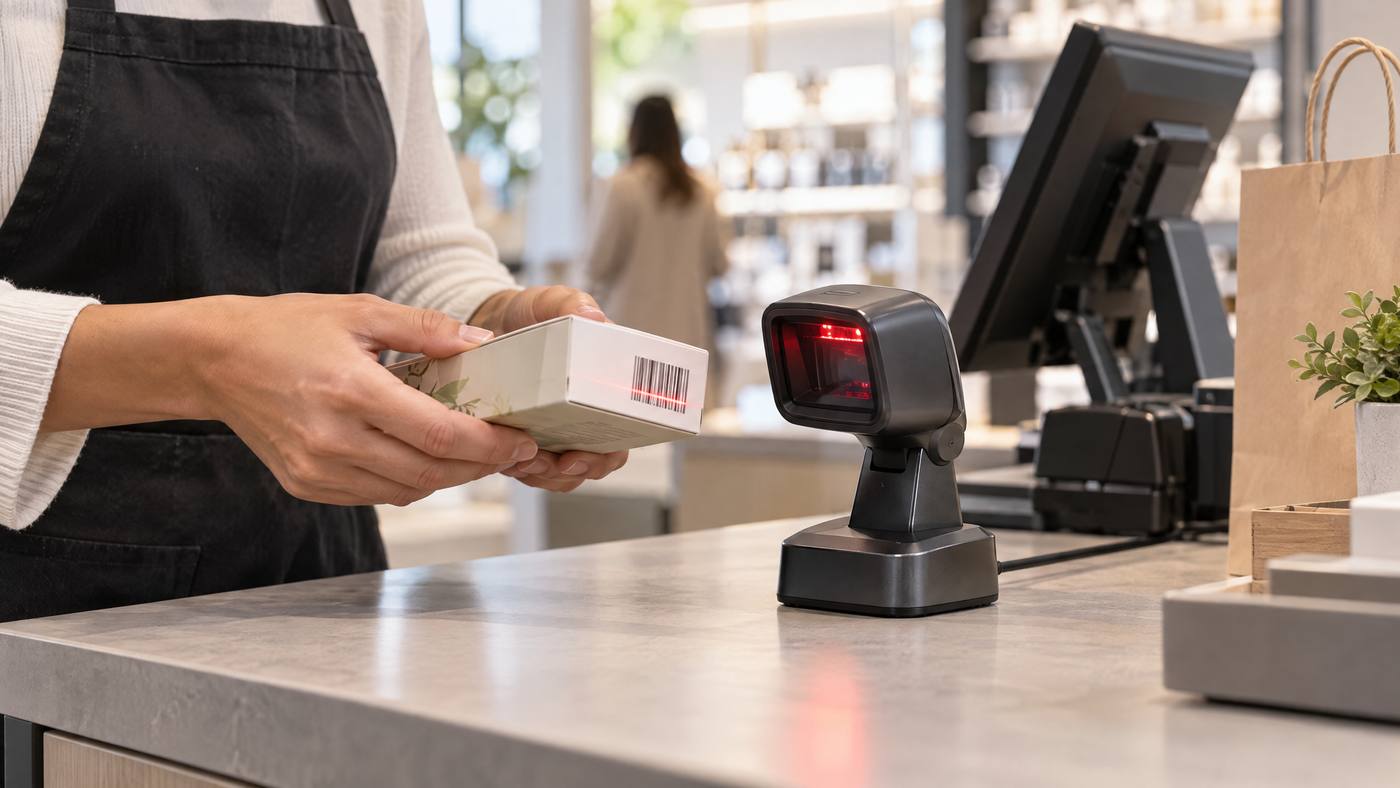
The Honeywell Orbit HF680 is a compact, hands-free scanner for checkout counters. It captures a barcode image, decodes it, then sends the result to the POS. Its adjustable head can also be picked up for bulky items.
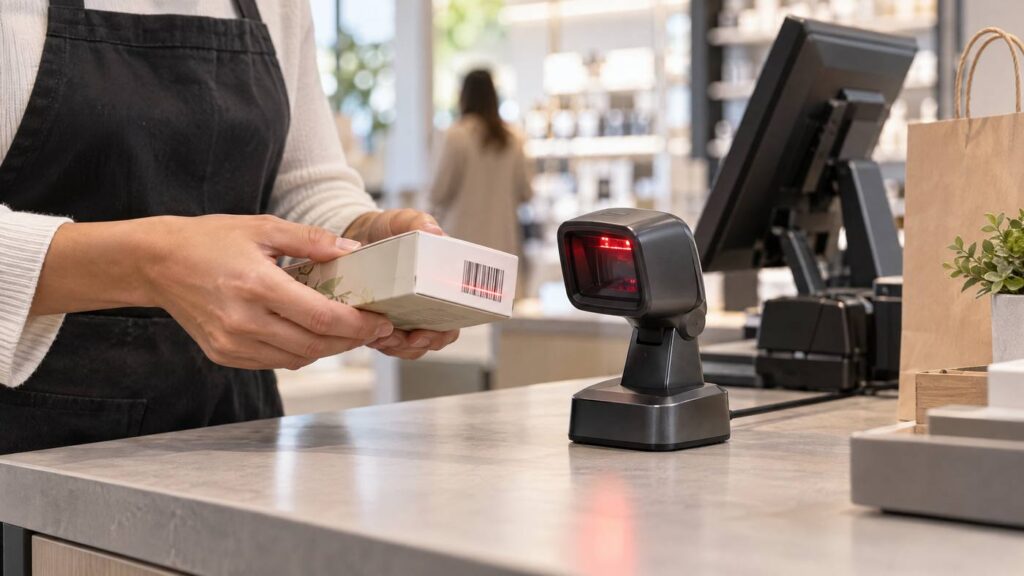
Inside one scan
- Present the barcode. Place the item near the scan window, or tilt the head to suit the product.
- Illuminate and capture. Recessed LEDs help light the code while the area imager captures an image.
- Decode the pattern. The scanner processes the image and reads supported 1D, 2D, or PDF codes. Capabilities can depend on configuration.
- Send the data. The corded scanner uses a compatible USB or RS-232 connection to pass the result to the POS.

Key points to check
- The 1280 × 800 area-imaging system supports multiple barcode orientations.
- The scanner is rated for drops of about 1 meter and IP42 protection; those are test ratings, not a guarantee against damage.
- Confirm the exact barcode formats, interface, POS compatibility, and configuration before installation.
For another hands-free checkout option, read Local POS Broker’s Datalogic Magellan 9300i guide. Its Zebra DS2208 guide covers a handheld 2D scanner for a different workflow.
Explore broader merchant services
Scanning hardware is one part of checkout. The Direct Processors’ services page describes a range of merchant services for businesses comparing POS and payment needs.
Bottom line: The HF680 combines presentation scanning, area imaging, decoding, and a wired host connection. Match its configuration to the items and POS system
One Reply to “Honeywell Orbit HF680: A Look Inside a 2D Presentation Scanner”