
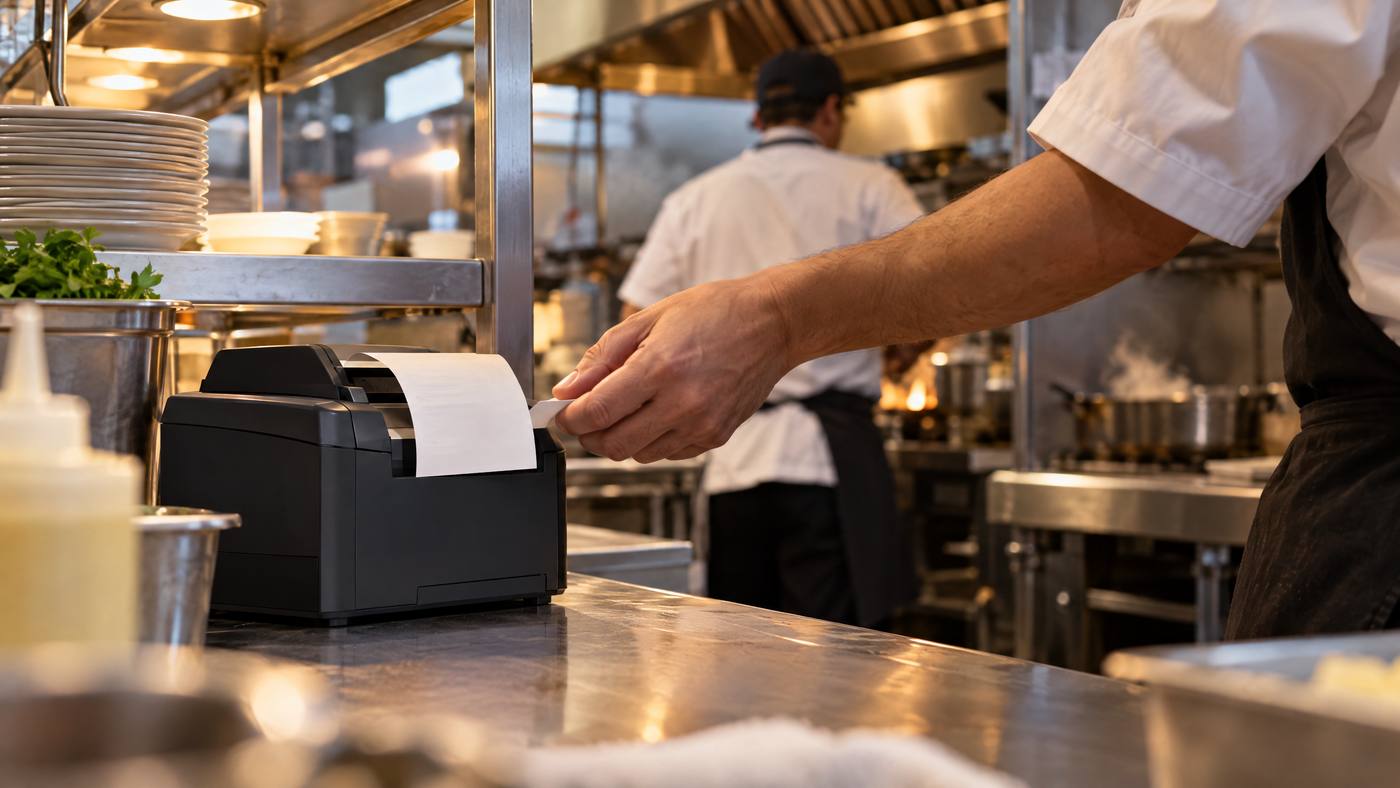
A kitchen ticket connects the front counter to the back of house. The Star SP742 is a 9-pin impact printer designed to print restaurant orders, including in hot and humid kitchen environments.
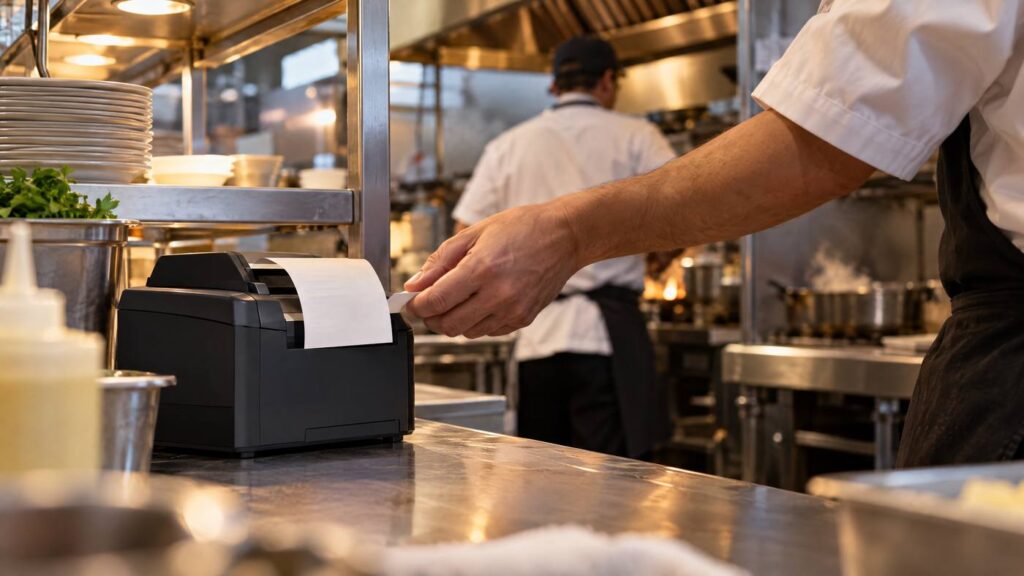
From order to kitchen ticket
- Enter the order. Staff or an ordering platform sends items, quantities, and modifiers to the restaurant POS.
- Route the print job. The POS decides which kitchen printer receives the ticket. The SP742 prints the information supplied by the software; it does not manage the order itself.
- Print by impact. Its 9-pin mechanism uses an ink ribbon rather than heat-sensitive paper. With the compatible ribbon and setup, two-color printing can make selected ticket details stand out.
- Prepare the food. Staff collect the ticket and use it to read the order. An optional buzzer may help call attention to new tickets when configured with compatible equipment.

Setup points to confirm
- Interfaces such as USB, Ethernet, serial, wireless, or CloudPRNT depend on the exact configuration.
- Paper width and installation options vary; confirm the printer, paper guide, and kitchen layout before setup.
- Keep paper and the correct ribbon available, and check the paper-end sensor during service.
For related reading, Local POS Broker’s impact-printer maintenance guide covers ribbon, paper-path, and print-quality checks. Its restaurant POS guide discusses how POS tools support food-service operations.
Explore broader merchant services
A kitchen printer is one piece of a restaurant’s setup. The Direct Processors’ services page describes a range of merchant services for businesses comparing POS and payment needs.
Bottom line: The SP742 turns POS print instructions into a physical order ticket. Check compatibility, printer configuration, paper, and ribbon before relying on it during service.
One Reply to “Star SP742: Inside a Kitchen Order Printing System”