
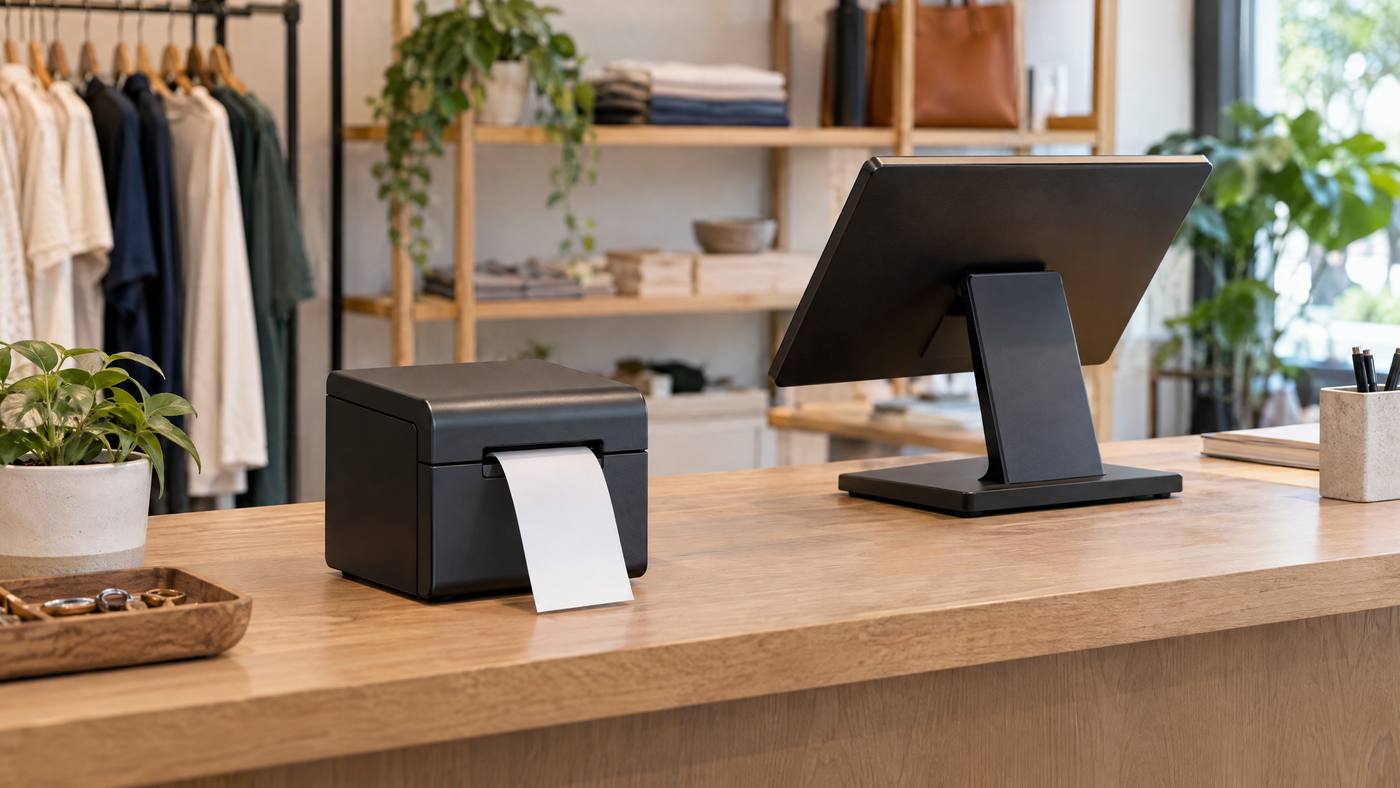
The Epson TM-m30III is a compact thermal receipt printer for modern POS setups. It prints without ink or ribbons. Still, check the exact model and POS requirements before you buy.
Before you order
1.Check software support. Confirm that your POS app, operating system, and printer driver support the TM-m30III.
2.Choose a connection. USB and Ethernet options vary by model. Wireless models may support Wi-Fi or Bluetooth. For a tablet, confirm USB-C and power needs.
3.Match the receipt. Select 58 mm or 80 mm paper. Check the receipt layout and whether front or top paper ejection suits your counter.
4.Plan the space. Leave room for paper changes, cables, power, and any connected POS devices.
Test these items at setup
•Print a sample receipt with the details, barcode, or QR code you use.
•Check the cutter, paper feed, and printer status.
•Confirm the POS sends jobs to the right printer over the chosen connection.
•Test any connected tablet or peripheral with the POS software.

For another Epson receipt setup, see Local POS Broker’s TM-T88VII guide. Compare a different thermal model in its Star TSP143IV guide. Its mC-Print3 guide covers a compact printer with varied connection options.
Explore broader merchant services
A receipt printer is one part of a checkout system. The Direct Processors’ services page describes a range of merchant services for businesses comparing POS and payment options.
Checkout test: Run one sale from start to finish, order entry, payment, receipt, and any connected device. This helps reveal setup gaps before a busy shift.
One Reply to “Epson TM-m30III: POS Receipt Printer Checklist for Merchants”
Comments are closed.