
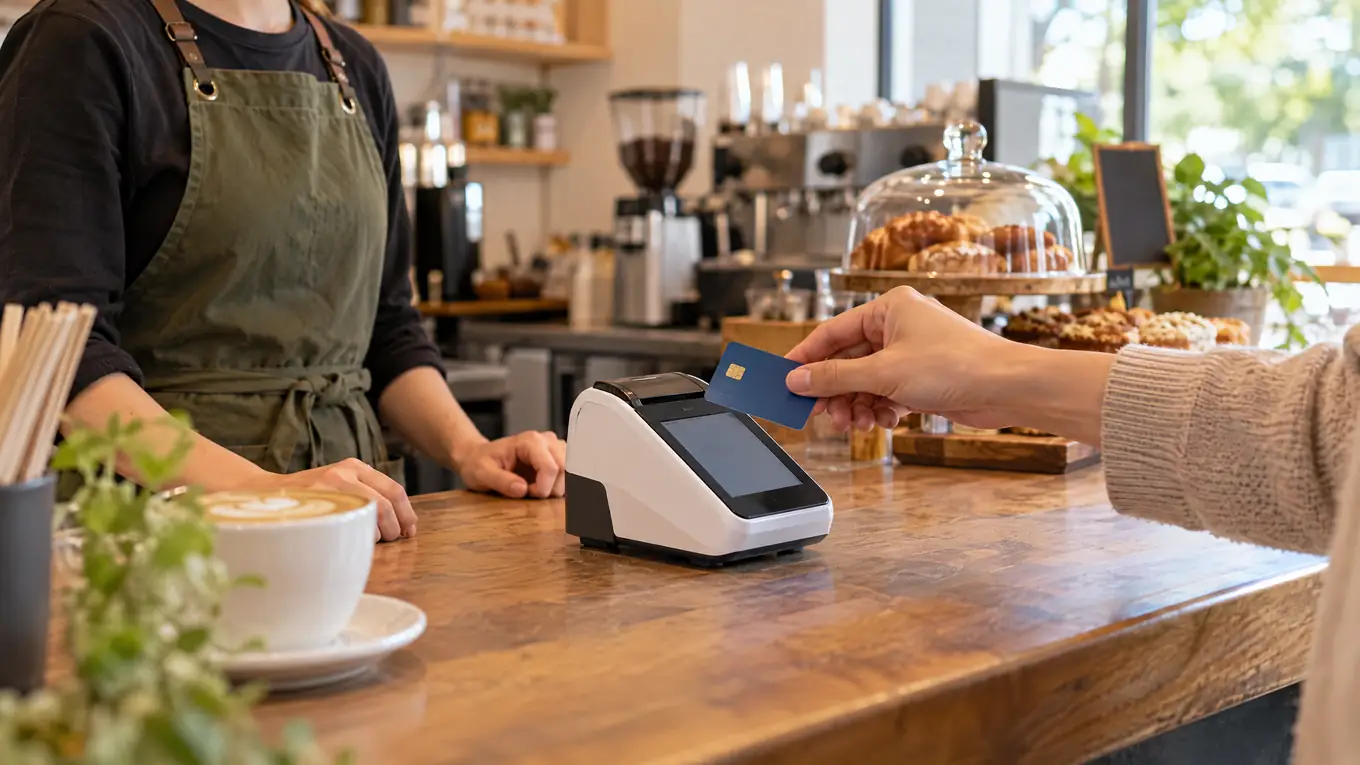
The Clover Compact is a countertop payment terminal for businesses that want a small, straightforward checkout. However, it is a payment device—not automatically a full POS setup. Software, processing, and available features depend on the plan and provider.
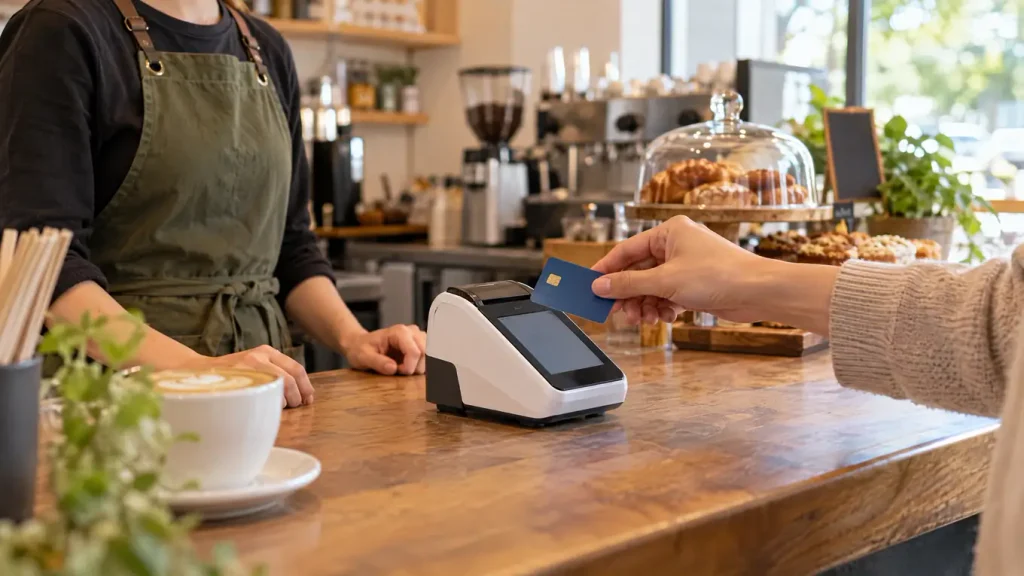
Features at a glance
Clover’s official Compact page lists these features for its U.S. offering:
- Payment methods: Contactless, chip, swipe, and debit PIN.
- Display: 3.6-inch payment touchscreen.
- Receipt: Built-in thermal dot printer.
- Connectivity: Wi-Fi, Ethernet, and LTE.
- Security: End-to-end encryption and an anti-theft lock.
Confirm the model, market, accessories, and merchant plan in your quote; availability can vary.
Where it may fit
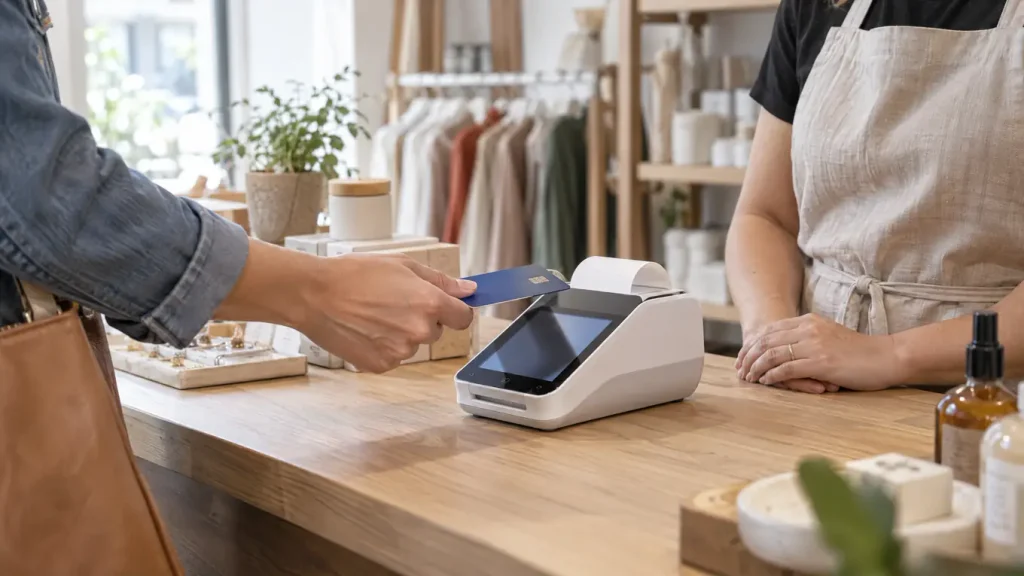
The Compact may suit a café, salon, boutique, or other business that takes most payments at one counter. Its built-in printer and small footprint keep the checkout area simple. In addition, connectivity options give providers more than one way to connect the terminal.
However, businesses that need staff to take orders across a dining room, manage detailed inventory, or serve customers away from the counter should check whether the Compact alone covers that workflow. Clover offers optional software and accessories, but merchants should verify each feature and its cost before relying on it.
Check these details before buying
- Processor and account support: Ask whether your provider supports the exact Compact model, payment methods, and account setup. For additional guidance, see this payment processor selection guide.
- Software fit: List the features you actually need—such as sales reports, employee profiles, inventory, or integrations—then confirm which plan includes them. This guide to modern POS systems for growing Florida businesses helps frame the workflow decision.
- Total cost and support: Compare hardware, monthly software, processing, accessories, service, and contract terms. Use these questions to ask a POS provider before signing.
- Connection and fallback: Test Wi-Fi, Ethernet, or LTE where you take payments. Also ask what happens during an outage and who helps if the terminal needs service.
A terminal is only one part of merchant services. For example, The Direct Processors’ services section lists options such as POS, gateway integration, recurring billing, invoicing, electronic checking, and a QuickBooks plug-in. Confirm current availability and terms directly with any provider.
Choose the Clover Compact when its payment features, software plan, and support match the way your business actually checks out customers. Before you order, get the full setup and cost in writing.
One Reply to “Clover Compact: Features, Benefits and Payment Guide”
Comments are closed.