
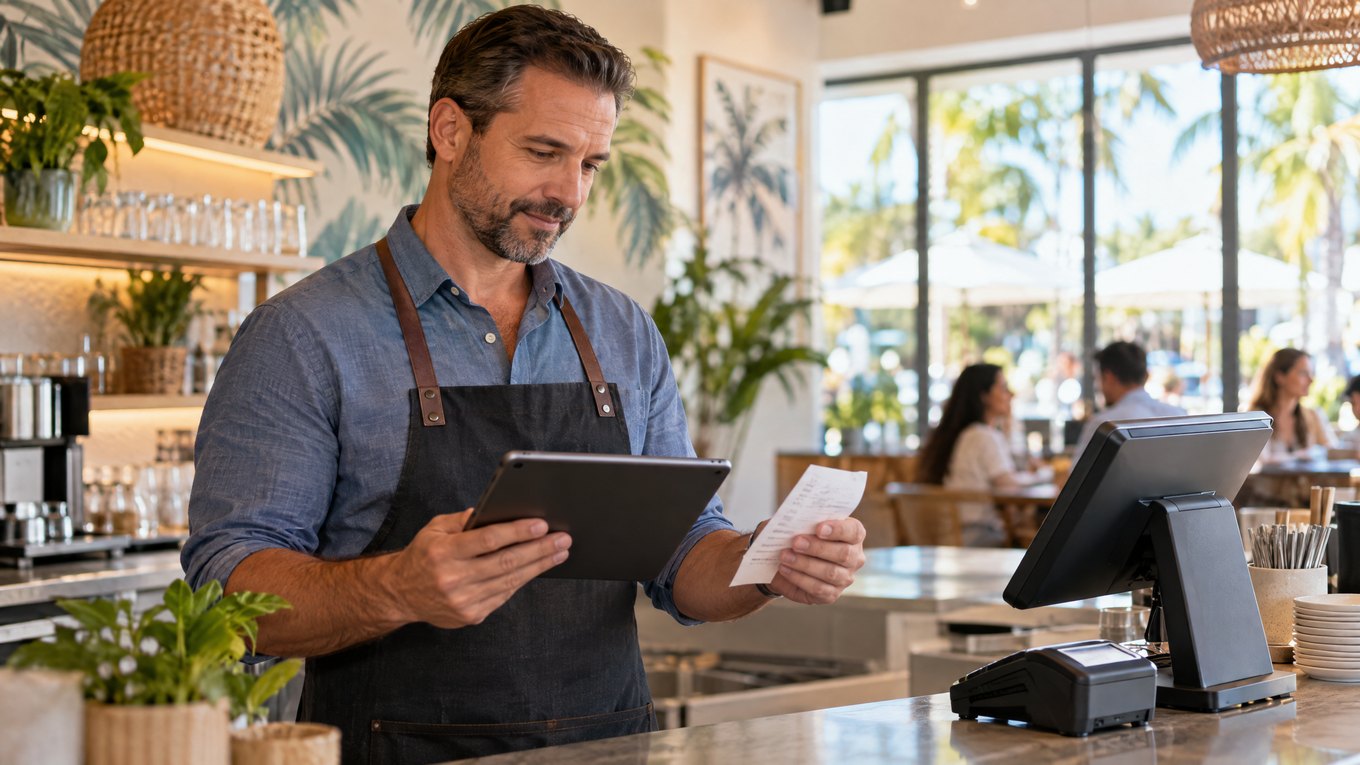
Assemble the Florida Payment Toolkit
A restaurant in Miami, a retailer in Orlando, a service company in Tampa, and an online store may need different tools. A merchant-services package can include:
•Credit and debit card processing
•Merchant account services
•Payment gateways
•POS systems and terminals
•Contactless and mobile payments
•Online checkout
•Recurring billing and virtual terminals
•Payment reports and transaction management
Start by listing where customers pay: at a counter, at a table, on a job site, through a website, by invoice, or through a recurring plan.

Follow the Transaction
1.The customer taps, inserts, swipes, or enters payment details.
2.The terminal, POS, or gateway sends the transaction for authorization.
3.The processor communicates with the card network and issuing bank.
4.The transaction is approved or declined.
5.Approved funds settle to the business under the account’s funding terms.
For a broader explanation of payment methods, authorization, and settlement, read Local POS Broker’s payment processing solutions guide.
Choose Tools That Match the Business
Payment methods
Confirm support for EMV cards, debit cards, contactless payments, mobile wallets, online payments, keyed transactions, recurring billing, and other methods customers use.
Equipment
A business may need a countertop terminal, wireless terminal, mobile reader, POS terminal, PIN pad, or contactless-enabled device. Choose equipment based on where transactions happen.
POS and business software
A connected payment system can link sales with inventory, reports, products, employee access, receipts, and online orders. Before signing, confirm that it works with the software already in use.
Businesses comparing connected tools can also read Local POS Broker’s integrated small-business payment solutions guide.
Security and support
Ask how the provider supports EMV, encryption, tokenization, PCI tasks, fraud alerts, disputes, and chargebacks. Also, confirm support hours, troubleshooting, equipment replacement, and account assistance.
Mobile teams can benefit from portable payment tools. Local POS Broker’s mobile credit card reader processing guide explains how readers support field payments, pop-ups, and service businesses.
Read the Full Cost
A low advertised percentage does not always equal a low total cost. Ask for a complete explanation of:
•Interchange and network charges
•Processor markup and transaction fees
•Monthly, annual, and statement fees
•Gateway and software costs
•Equipment charges
•Chargeback and refund fees
•Contract and cancellation terms
Compare proposals using real sales volume, average ticket, card mix, refunds, and sales channels.
Questions Before You Choose
1.Which payment methods and sales channels do you support?
2.Does the system work with my POS, website, accounting, and inventory tools?
3.What will I pay at my expected monthly volume?
4.How do you handle refunds, chargebacks, holds, and delayed funding?
5.Who helps when a terminal or account has a problem?
6.Can the system support more staff, locations, and transactions later?
Final Takeaway
Merchant services in Florida should make payments easier to accept and easier to manage. Compare the complete toolkit—pricing, equipment, methods, security, integration, reporting, and support—instead of choosing a provider from one advertised rate.
Businesses comparing broader merchant-services options can also explore The Direct Processors’ payment services, including recurring billing, invoicing, electronic checking, and gateway integration. Review the available services and terms before choosing a provider.
2 Replies to “Merchant Services in Florida: A Complete Guide to Payment Processing for Businesses”
Comments are closed.