
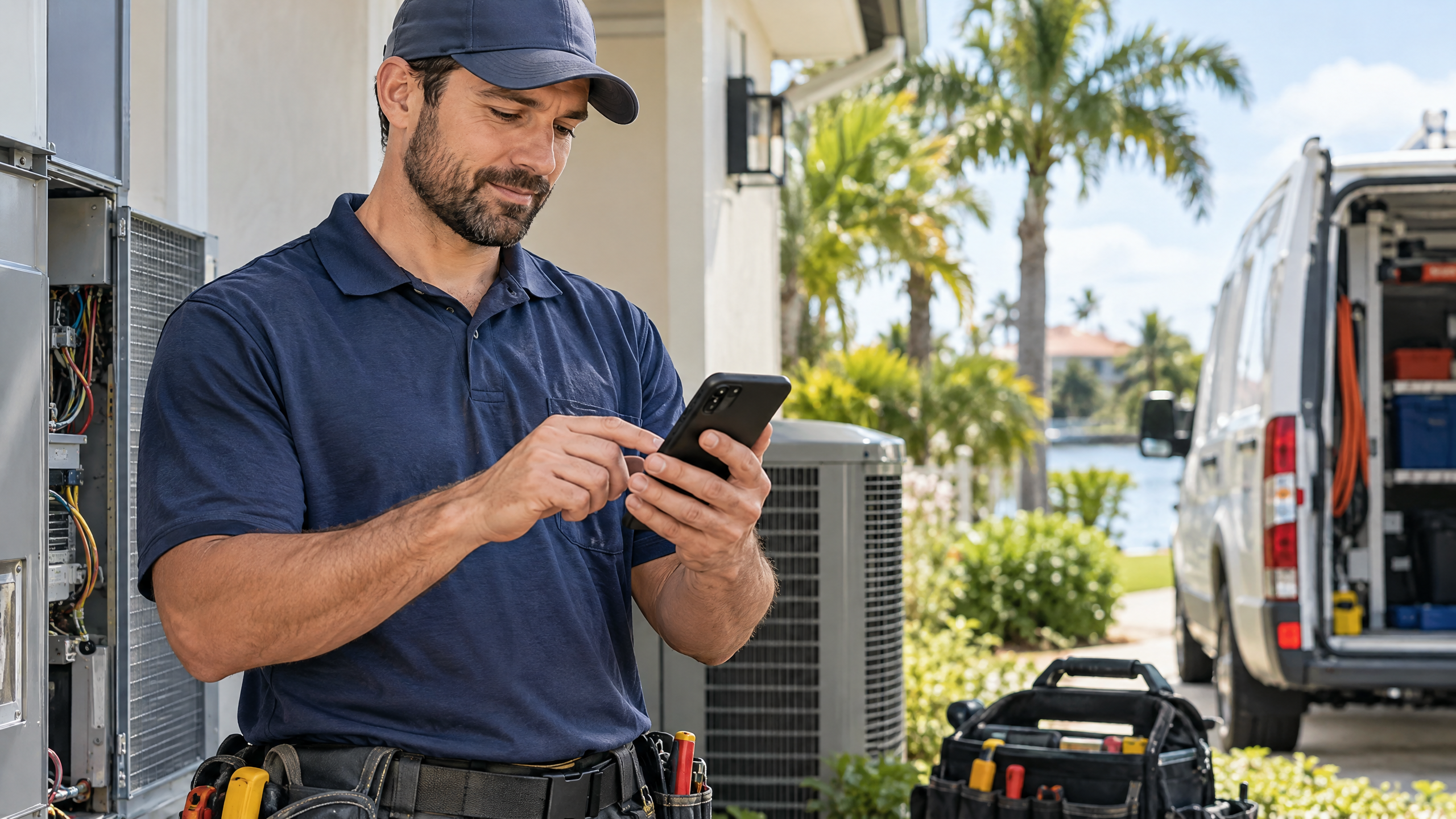
Contractor payments Florida businesses collect at job sites should be simple, secure, and easy to document. General contractors, remodelers, plumbers, electricians, HVAC companies, landscapers, painters, and other service businesses may need to accept deposits, progress payments, final balances, or change-order charges away from a traditional office.
With the right mobile payment setup, a contractor can accept a card at the job site, send a payment link from the field, or issue an invoice that the customer can pay later. The goal is not just faster collection. A strong process should also connect each payment to the correct customer, job, invoice, and bank deposit.
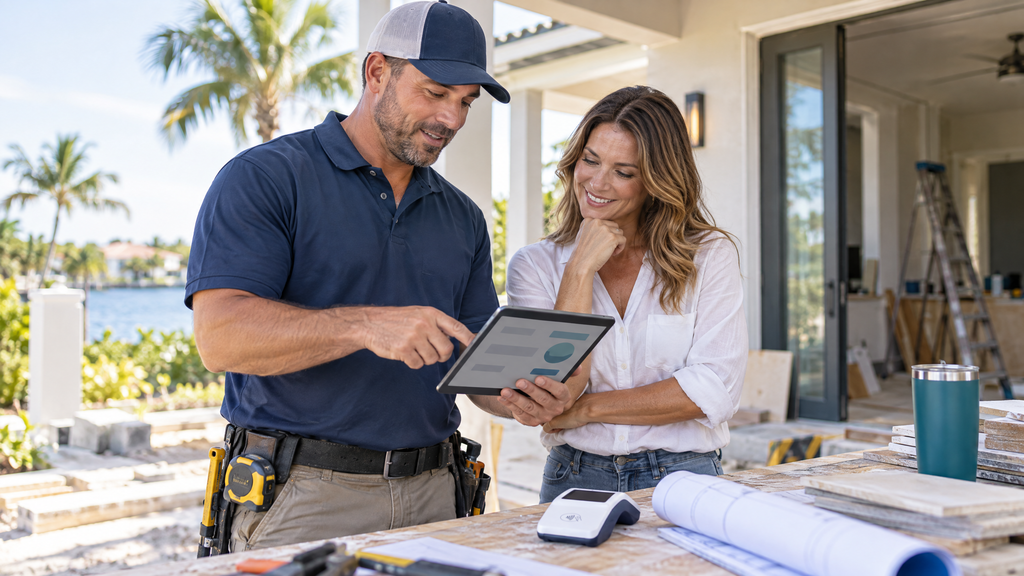
Why contractor payments Florida businesses need field-ready options
Contractors often work at a customer’s property rather than behind a counter. A customer may want to pay a deposit before materials arrive, approve a change order during a project, or pay a balance when the work is complete.
Waiting until the office can slow cash flow and create extra follow-up. A mobile reader, invoice, or payment link can give the customer a convenient way to pay while the job details are still clear.
The best option depends on the type of work, payment amount, connectivity, customer preference, and business recordkeeping process.
Step 1: Choose the right job-site payment method
Mobile POS terminal
A mobile POS terminal lets an employee accept a card or contactless payment at a customer location. This option may suit contractors who regularly collect deposits, progress payments, or final balances in person. When comparing equipment, mobile workflows, and connected operations, see this guide to modern POS systems for Florida businesses.
Before choosing a device, ask about battery life, cellular connectivity, Wi-Fi requirements, receipts, transaction limits, equipment replacement, and how the terminal handles weak service areas.
Payment link
A payment link lets the contractor send a customer a secure link by text, email, or another approved communication channel. The customer can pay from a phone or computer without the contractor carrying a reader.
Payment links can work well for deposits, estimates, change orders, invoices, and customers who are not present at the job site.
Online invoice
An invoice can show the customer, job description, materials, labor, taxes, due date, payment terms, and balance. The customer can then pay through the approved online payment option. For guidance on aging balances, payment reminders, and documenting amounts still due, read the Florida POS unpaid-invoice guide.
Invoices create a useful record for the contractor, customer, bookkeeper, and accountant.
Recurring or scheduled payments
Some contractors use scheduled payments for long projects, maintenance agreements, memberships, or service plans. Confirm the customer’s authorization, explain the timing, and use a provider-approved billing process.
ACH or bank transfer
For larger invoices, some customers may prefer an electronic bank transfer. Ask the provider about availability, timing, confirmation, fees, and how the payment appears in reports.
Step 2: Match the payment to the job
A job-site payment should not exist as an isolated transaction. It should connect to the right customer and project.
Record:
- Customer name and contact information
- Job address
- Estimate or contract number
- Invoice or change-order number
- Amount and payment purpose
- Deposit, progress, or final-payment status
- Materials or services covered
- Payment date and method
- Receipt or confirmation number
- Refund or cancellation terms
A contractor can quickly explain what a payment covered if the customer, bookkeeper, or manager asks later.
The IRS says business records should clearly show income and expenses. Supporting documents can include invoices, receipts, deposit slips, sales records, and proof of payment. Keep records in an orderly and secure system that fits the business.
Step 3: Create a clear deposit and progress-payment process
A contractor may collect money at several stages of a project. Each stage should have a clear description and approval process.
Deposit
Explain what the deposit covers, when work begins, whether materials are included, and how cancellation or refund requests are handled.
Progress payment
For a multi-day or multi-phase project, identify the milestone connected to the payment. For example, the payment may relate to completed demolition, delivered materials, rough-in work, or an approved phase of installation.
Change order
A change order should identify the requested change, price difference, customer approval, and effect on the schedule. Use the same invoice or project reference when collecting the related payment. If the adjustment involves a service or product price, this guide to managing POS price changes in Florida offers a related change-control checklist.
Final balance
Before requesting the final balance, confirm the work status, remaining items, warranty information, and any approved adjustments.
A remodeler could send an invoice that separates the original contract, approved change orders, prior payments, and remaining balance.
Step 4: Make mobile payments practical in Florida conditions
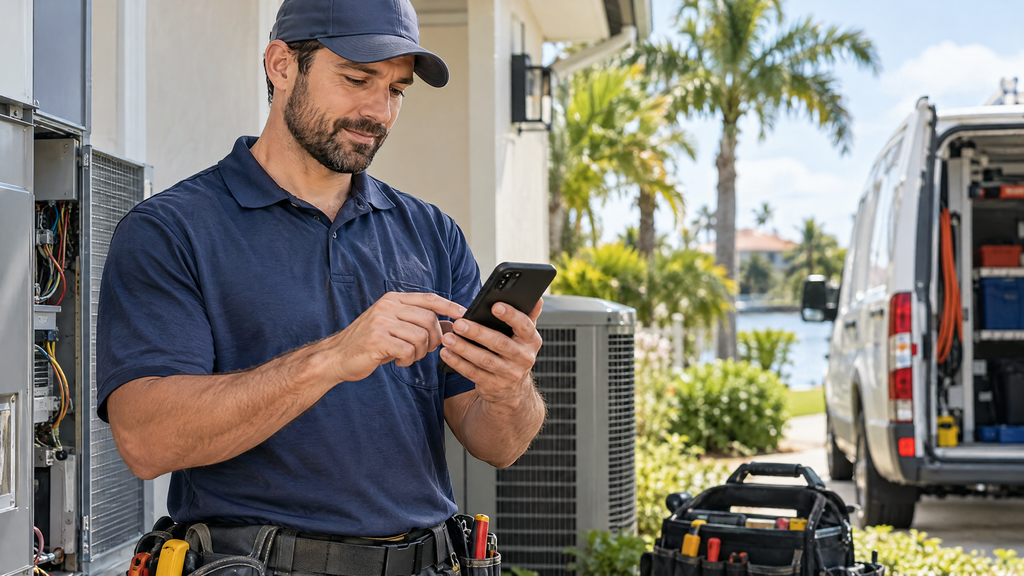
Florida contractors may work in new construction, outdoor areas, gated communities, rural locations, coastal environments, and properties with limited connectivity.
Before selecting mobile equipment, review:
- Cellular coverage in common service areas
- Wi-Fi requirements
- Battery life and charging options
- Weather and heat exposure
- Protective cases
- Receipt delivery by text or email
- Offline-payment limitations
- Device replacement procedures
- Employee assignment and storage
- Support availability outside office hours
Do not assume that a terminal can process payments without an internet or cellular connection. Offline features, limits, delayed transmission, and risk controls vary by provider and device.
Step 5: Protect customer and payment information
The PCI Security Standards Council advises merchants to use approved payment devices, validated payment software, strong passwords, protected networks, restricted access, and regular device checks.
For contractor payments Florida businesses collect in the field, use these safeguards:
- Use an approved EMV or contactless payment device.
- Do not write down full card numbers or security codes.
- Avoid storing payment information in text messages or personal notes.
- Give each employee an individual account when supported.
- Limit refund, void, discount, and administrator permissions.
- Use strong passwords and multi-factor authentication where available.
- Keep mobile readers in a secure location when not in use.
- Inspect a device if it looks altered or behaves unexpectedly.
- Report lost or stolen equipment promptly.
CISA recommends training staff, enabling MFA, patching systems, testing backups, and maintaining an incident-response plan. Those practices matter even when the primary payment device is mobile.
Step 6: Give customers a professional payment experience
A convenient payment method should still feel organized and trustworthy. At the job site, the contractor should explain what the customer is paying for and provide a receipt or confirmation.
A professional process may include:
- Review the invoice, estimate, or change order.
- Confirm the amount and payment purpose.
- Accept the payment through the approved device or link.
- Confirm whether the transaction was approved.
- Send or print the receipt.
- Update the job record.
- Explain the next step and remaining balance.
Fewer customers need to call the office to confirm whether a payment went through.
Step 7: Reduce duplicate charges and payment confusion
Field work can create interruptions. A customer may lose service, a terminal may freeze, or an employee may be unsure whether a transaction succeeded.
If a payment appears interrupted:
- Check the terminal or provider status before trying again.
- Look for an approval message, receipt, or transaction record.
- Ask the provider how to confirm the transaction.
- Avoid running the same amount repeatedly without verification.
- Document any pending or duplicated transaction.
- Explain the situation to the customer.
Do not assume that a declined screen means no charge occurred. Confirm through the approved system before retrying.
Step 8: Connect payments to accounting and job management
A POS or payment system may integrate with accounting, estimating, scheduling, inventory, or project-management software. An integration can reduce duplicate data entry, but the contractor should still review how sales, fees, refunds, and deposits are posted.
Ask whether the system can:
- Match payments to customers and jobs
- Separate deposits from final balances
- Track processing fees
- Record refunds and chargebacks
- Export settlement reports
- Connect with accounting software
- Support multiple employees
- Separate locations or crews
- Identify payment links and mobile transactions
A contractor should test one complete transaction from customer approval through bank deposit and accounting entry before relying on an integration.
Step 9: Build a job-site payment policy for employees
Employees need clear instructions when they collect payments outside the office. A short policy can cover:
- Who may accept payments
- Which devices and links are approved
- How to verify the job and invoice
- How to issue a receipt
- Which discounts or refunds require approval
- How to handle a lost reader
- How to report suspected fraud
- Where to store equipment
- What to do if connectivity fails
- How to close out the day
Before assigning a reader, train the employee on the device, customer communication, security, and reporting process.
Step 10: Questions to ask a contractor merchant-services provider
- Can the system accept card and contactless payments at job sites?
- Does the mobile reader use cellular service, Wi-Fi, or both?
- What happens when connectivity is weak or unavailable?
- Are payment links and online invoices available?
- Can each payment connect to a customer, job, and invoice?
- How are deposits, progress payments, and final balances reported?
- Can the system integrate with our accounting or estimating software?
- How are processing fees, refunds, and chargebacks shown?
- Can employees have individual logins and limited permissions?
- What happens if a mobile reader is lost, damaged, or stolen?
- How quickly can replacement equipment be provided?
- Who supports the business after normal office hours?
Before signing, ask the provider to demonstrate the full workflow instead of showing only the terminal.
How Local POS Brokers can help
Local POS Brokers helps Florida contractors review merchant services, mobile POS equipment, payment links, invoices, reporting, and integrations.
A review can help determine whether the current payment setup fits the business’s job locations, invoice process, employees, customer expectations, and accounting workflow. As one example of a broader merchant-services lineup, The Direct Processors’ services section describes recurring billing, invoicing, a QuickBooks plug-in, electronic checking, gateway integration, and POS options. Confirm current availability and compare each provider’s terms against your needs.
Ready to improve contractor payments in Florida? Contact Local POS Brokers for a merchant-services and mobile POS review.
Frequently asked questions
What is the best way for Florida contractors to accept payments at job sites?
The best option depends on the business. A mobile POS terminal may suit in-person collection, while payment links and online invoices can work well for deposits, change orders, and customers who are not present.
Can contractors accept credit cards at a job site?
Yes. Contractors can use an approved mobile payment terminal or another provider-supported acceptance method. Confirm cellular or Wi-Fi requirements, fees, receipts, and transaction settings before choosing equipment.
Can a contractor send a payment link for a deposit?
Many merchant-services and invoicing systems support payment links. The contractor should clearly identify the customer, job, amount, purpose, payment terms, and refund or cancellation policy.
How should contractors document job-site payments?
Keep the customer, job, invoice, amount, payment method, date, confirmation, and purpose together. Supporting documents may include invoices, receipts, deposit records, and processor reports.
Are offline payments safe for contractors?
Offline payment features have provider-specific limits and risks. Use them only when the approved device and provider support the workflow and the contractor understands delayed transmission and duplicate-charge controls.
Does Local POS Brokers offer contractor payment solutions?
Local POS Brokers helps Florida businesses review merchant services, mobile POS equipment, payment links, invoices, reporting, and integrations. Confirm the specific products and services available for the business.