
At a Glance
| Question | Short answer |
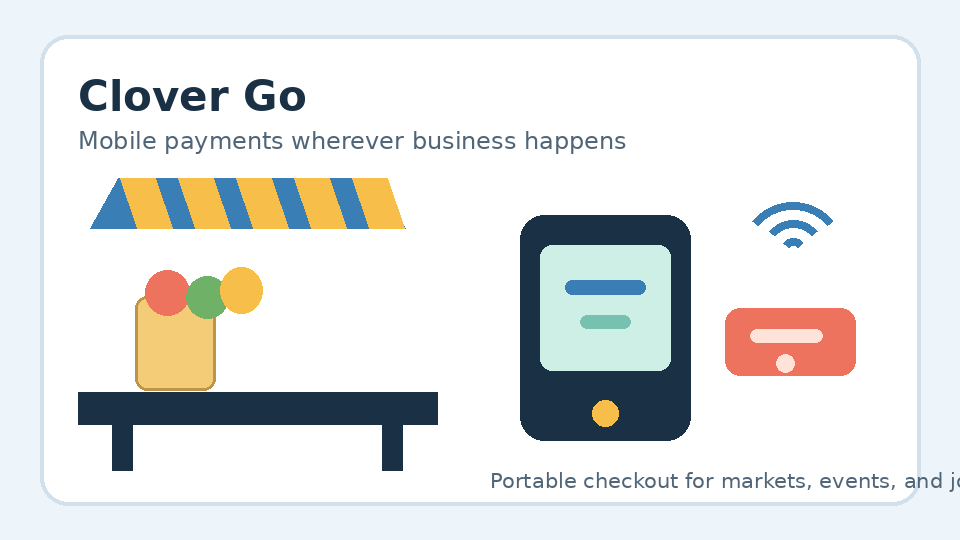
| What is it? | A portable card reader used with a compatible phone or tablet and Clover payment software. |
| Best for | Mobile services, markets, pop-ups, events, food vendors, and payments away from a fixed counter. |
| Main advantage | Merchants can take payments where they meet customers. |
| Main consideration | Confirm compatibility, connectivity, processing rates, and account terms before buying. |
How Clover Go Works
1.Connect the reader to a compatible mobile device and Clover software.
2.Enter the sale amount or select the products and services.
3.Let the customer use an available card or contactless payment method.
4.Complete the transaction and offer the available receipt option.
This setup can provide a simpler alternative to carrying a full countertop POS terminal.
Useful Features
•Portable design: Carry the reader to customer homes, markets, events, appointments, and temporary sales areas.
•Mobile checkout: Use a compatible smartphone or tablet as part of the payment station.
•Card and contactless acceptance: Support depends on the hardware, software, account, and market.
•Clover compatibility: The reader may work alongside other Clover hardware and software, depending on the selected setup.
•Flexible selling locations: Take payment near the customer instead of sending them to a permanent register.
Best Fit by Business Type
Service providers can collect payment after completing work at a customer’s location. Market sellers and food vendors can use a mobile reader at events, pop-ups, or outdoor sales areas. Retail stores may use it for temporary displays, special events, or checkout away from the main register.
Businesses with a permanent, high-volume checkout may prefer a countertop POS system. For more guidance, read Local POS Broker’s mobile credit card reader processing guide, integrated small-business payment solutions guide, and guide to contractor payments at Florida job sites.
Pricing: What to Review
The device price is only one part of the total cost. Check these items together:
•Hardware and accessories
•Payment processing rates
•Software or monthly plan charges
•Account and contract terms
•Connectivity and support requirements
•Additional POS equipment you may need later
Pricing and features can change by account, location, and provider. Ask for a complete cost breakdown before signing up.
Benefits and Trade-Offs
Benefits
•Easy to carry and quick to set up
•Useful for payments outside a traditional storefront
•Can support card and contactless payment options when enabled
•May fit into a larger POS setup as the business grows
Trade-offs
•A dependable internet or mobile connection may be important.
•Compatibility should be checked before purchasing.
•It may not replace the reporting, inventory, or staff tools needed by a larger operation.
•Processing fees and software costs can affect the long-term value.
Final Decision Checklist
Choose a portable reader if your business regularly sells at different locations or serves customers on-site. A fixed terminal may be a better fit when most sales happen at one permanent counter.
Before choosing, confirm the supported device, payment methods, network requirements, processing costs, and customer support included with the account.
For businesses comparing more than POS hardware, The Direct Processors’ merchant payment services include options such as recurring billing, invoicing, electronic checking, and gateway integration. Review the available services and terms before selecting a provider.